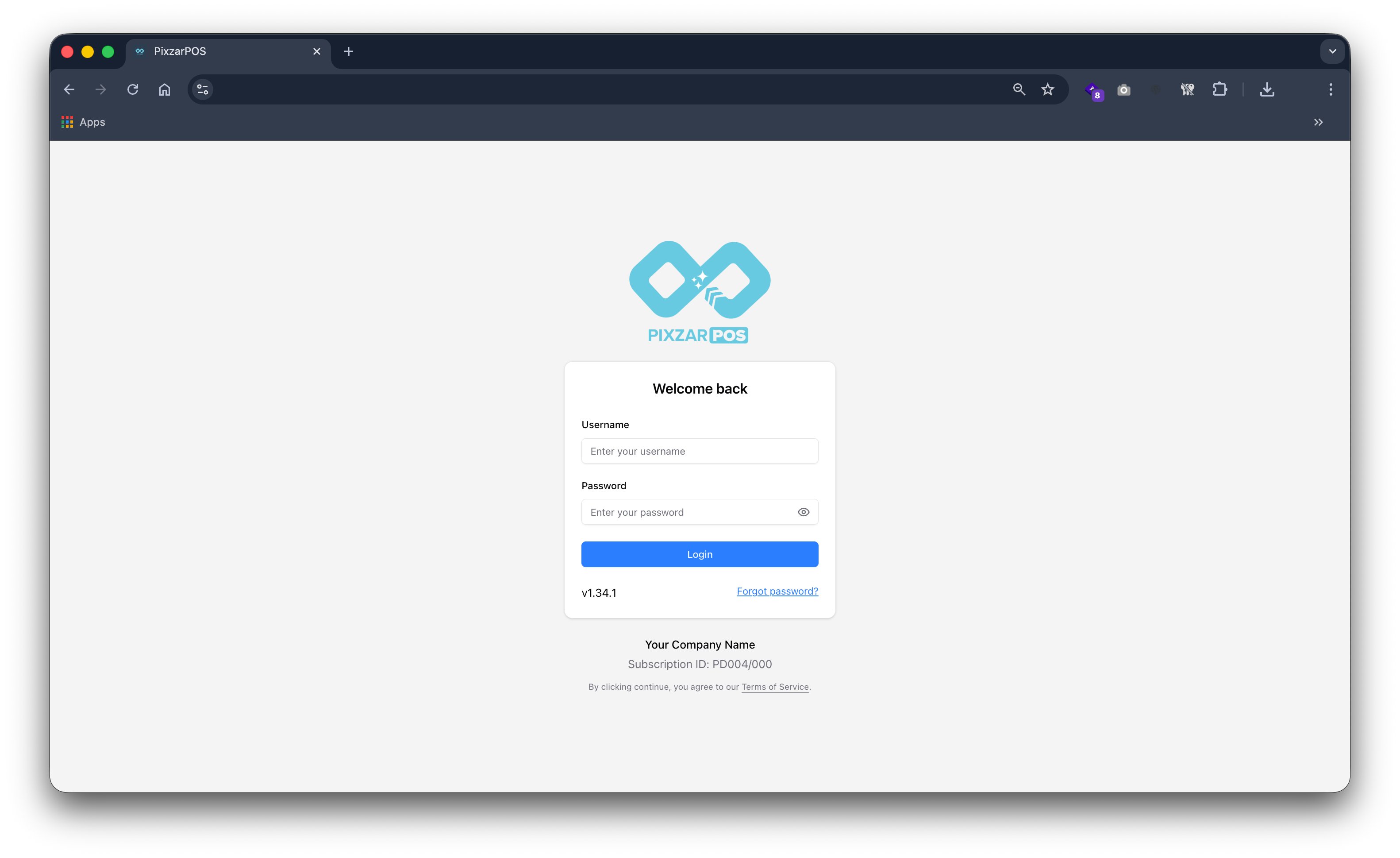
Login Screen
Secure login screen providing user authentication and safe system access.

Interface Preview (Some of product snaps v1.34.1)
Browse key screens from checkout, inventory, reporting, and multi-device operations. This page keeps the same trusted PixzarPOS look and flow.
Secure login screen providing user authentication and safe system access.
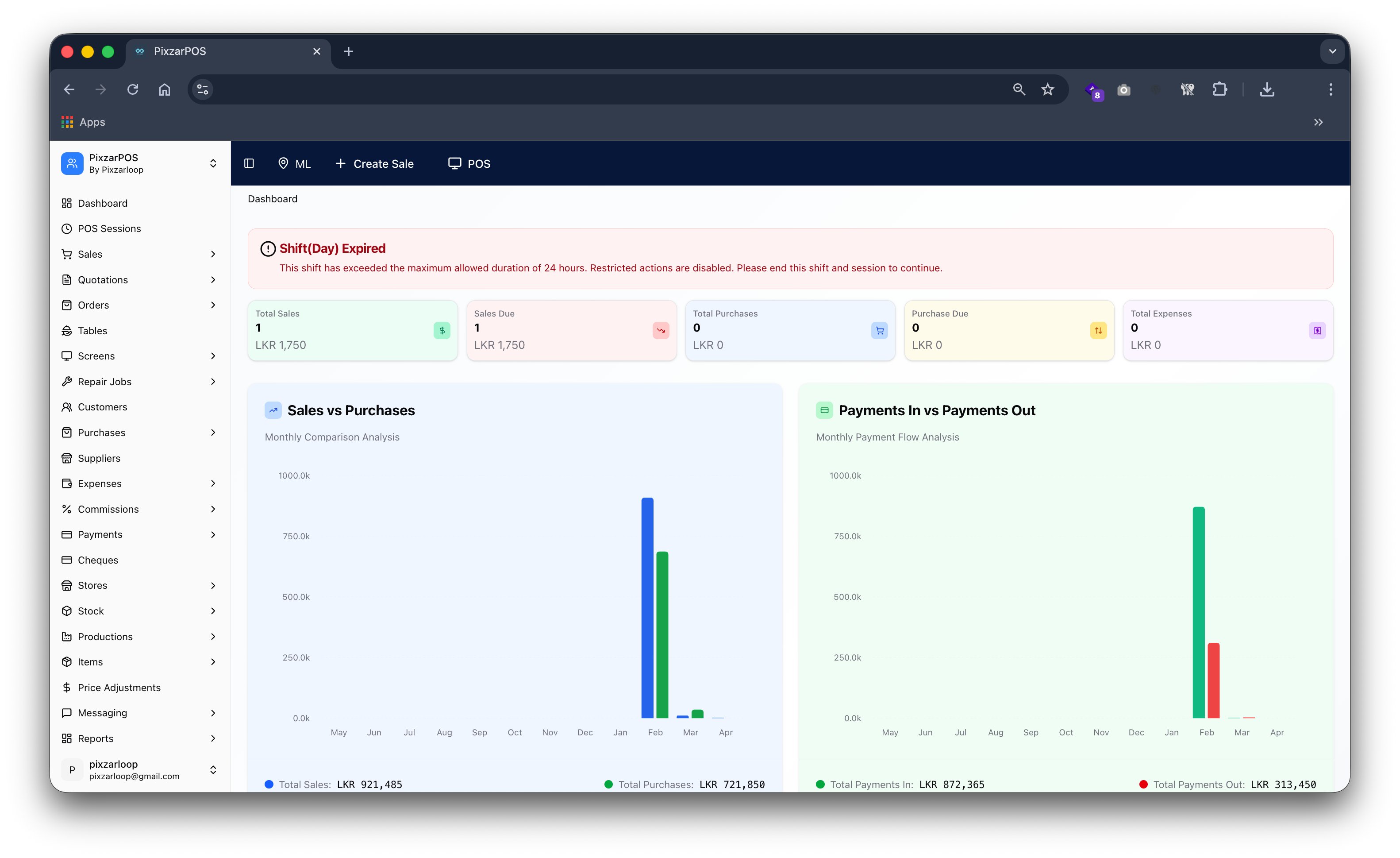
Dashboard overview displaying sales, reports, insights, and real-time performance.
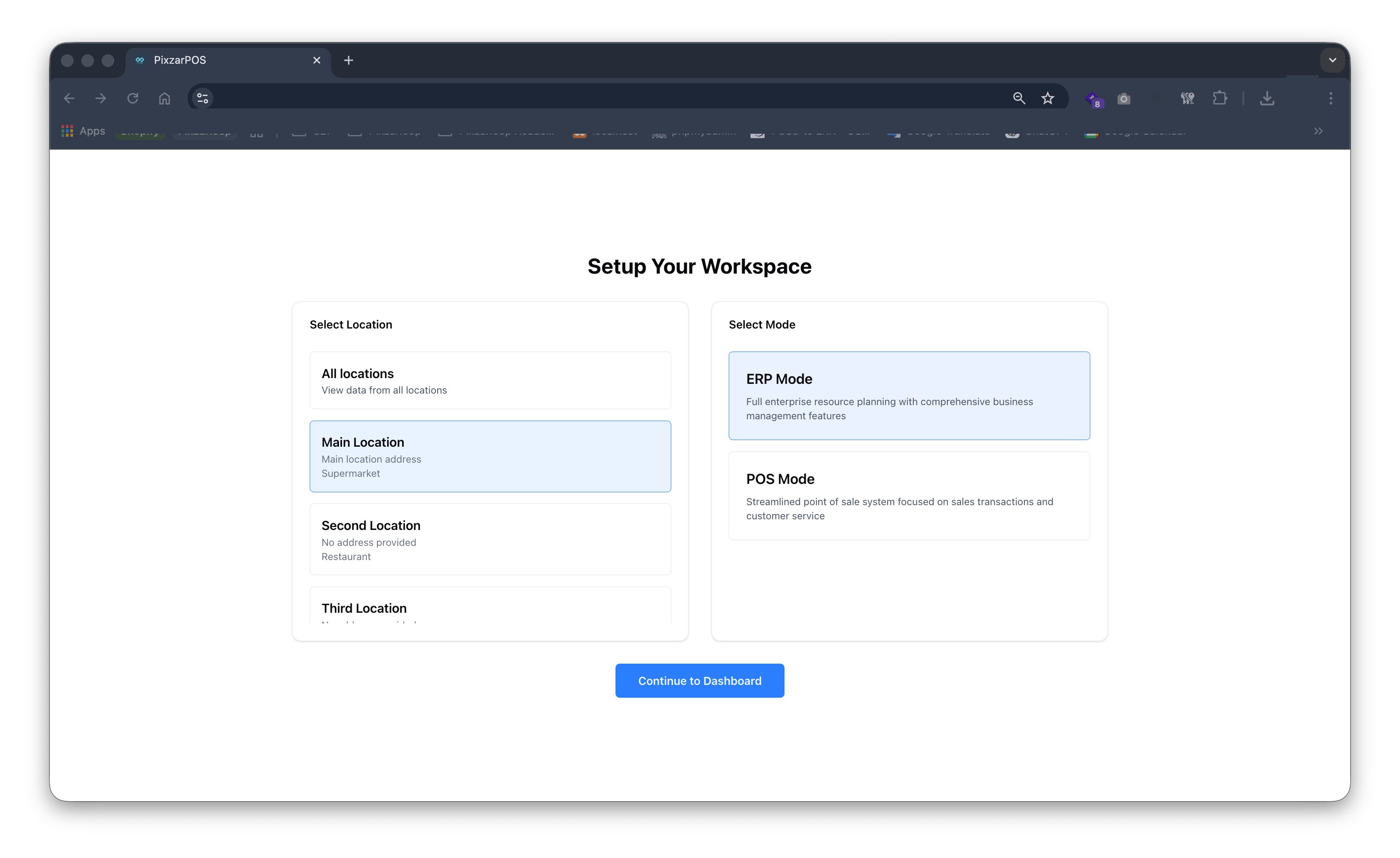
Workspace management organizing users, roles, and operations across multiple locations.
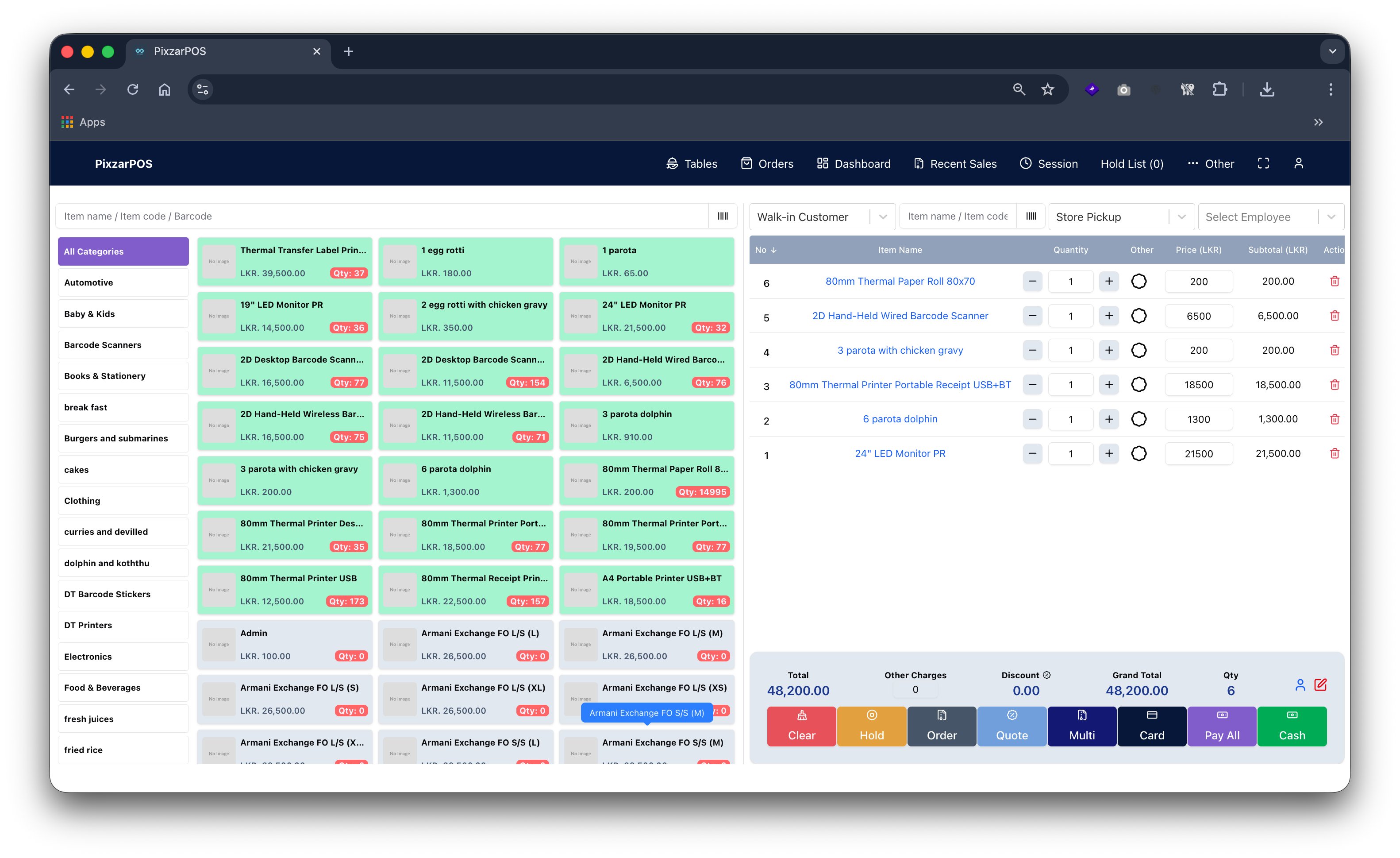
POS terminal enabling fast billing, payments, inventory tracking, and sales management.
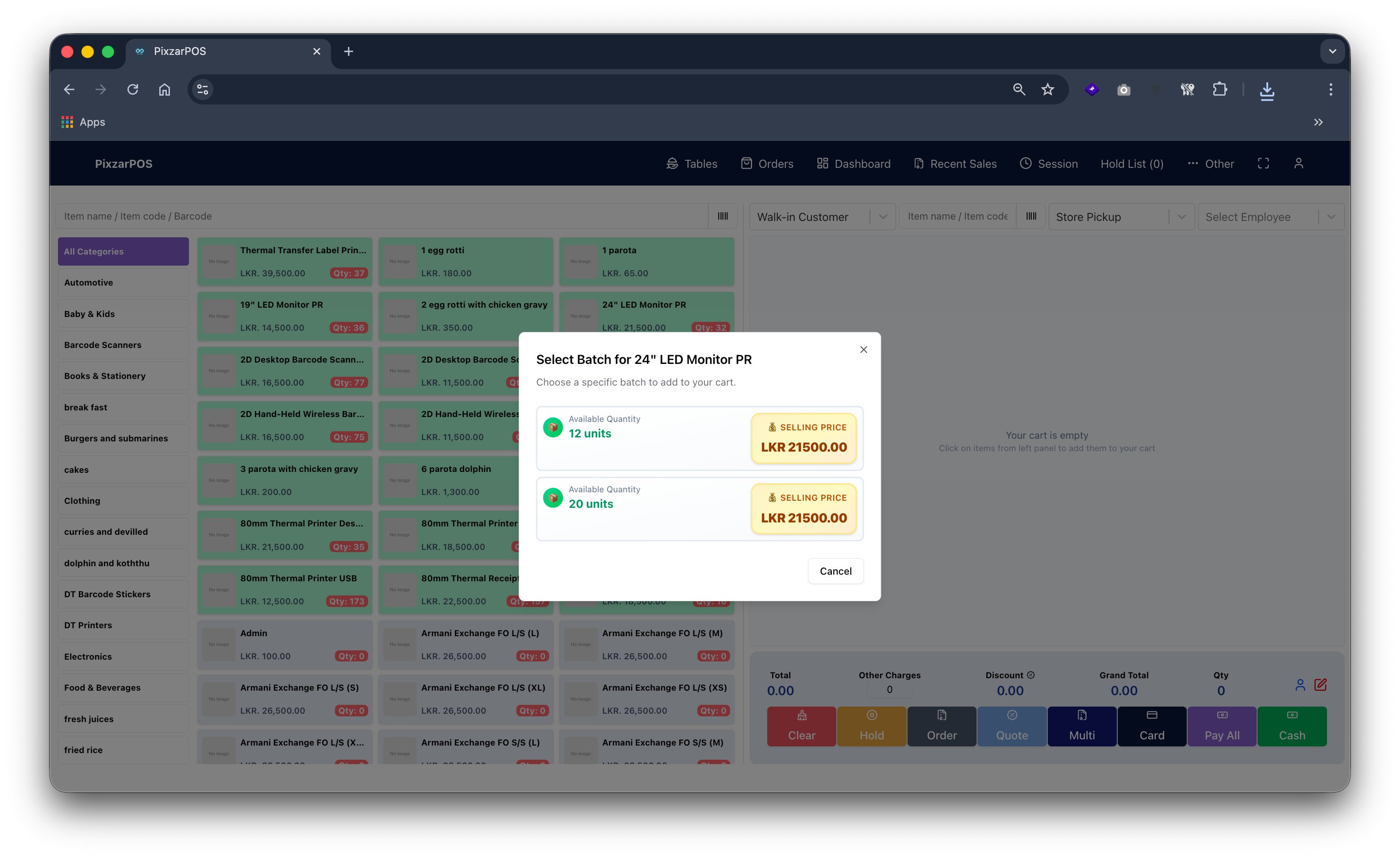
Batch controlling tracks inventory batches, expiry dates, and stock movements accurately.
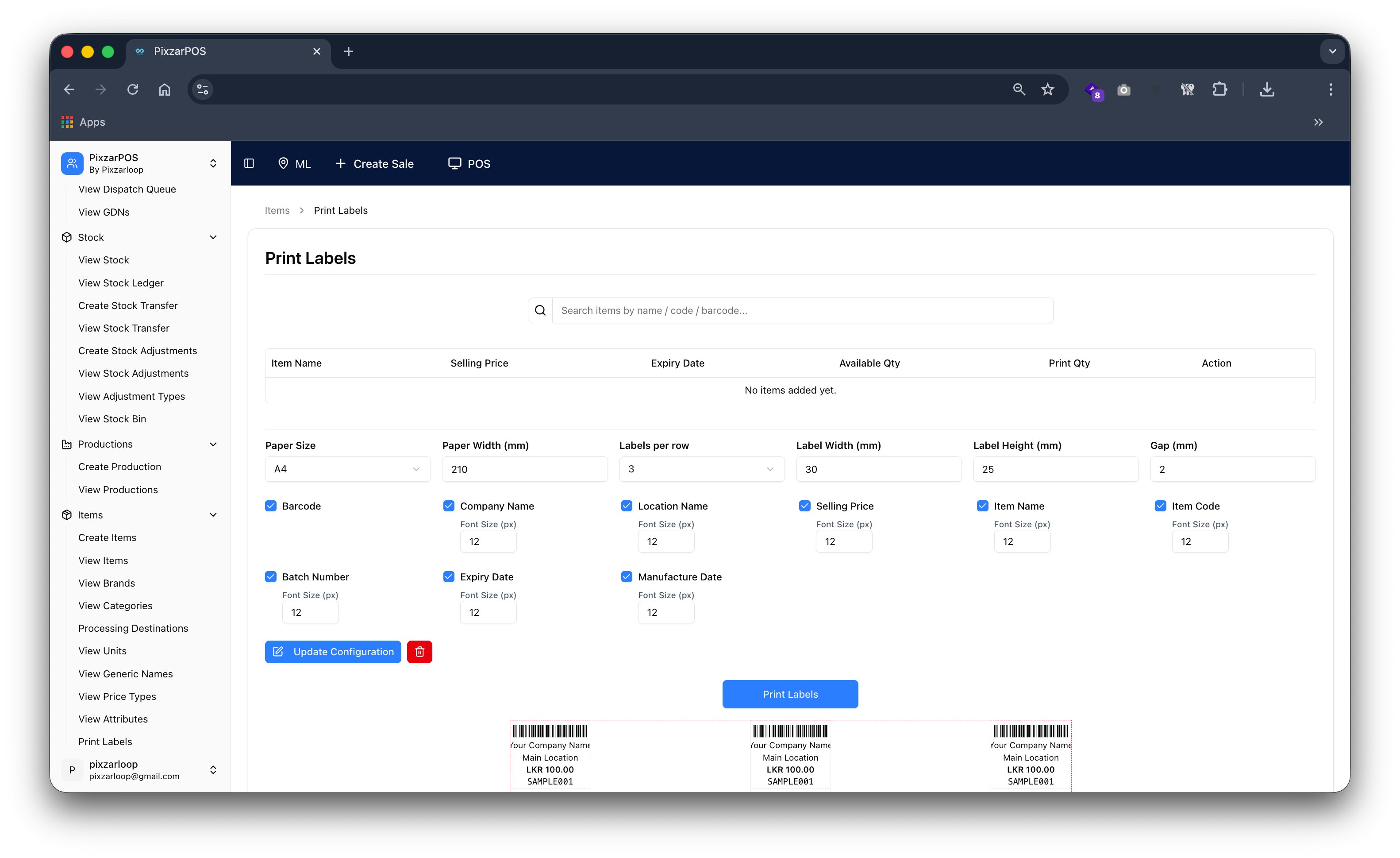
Print labels generating product tags, barcodes, and inventory identification labels.
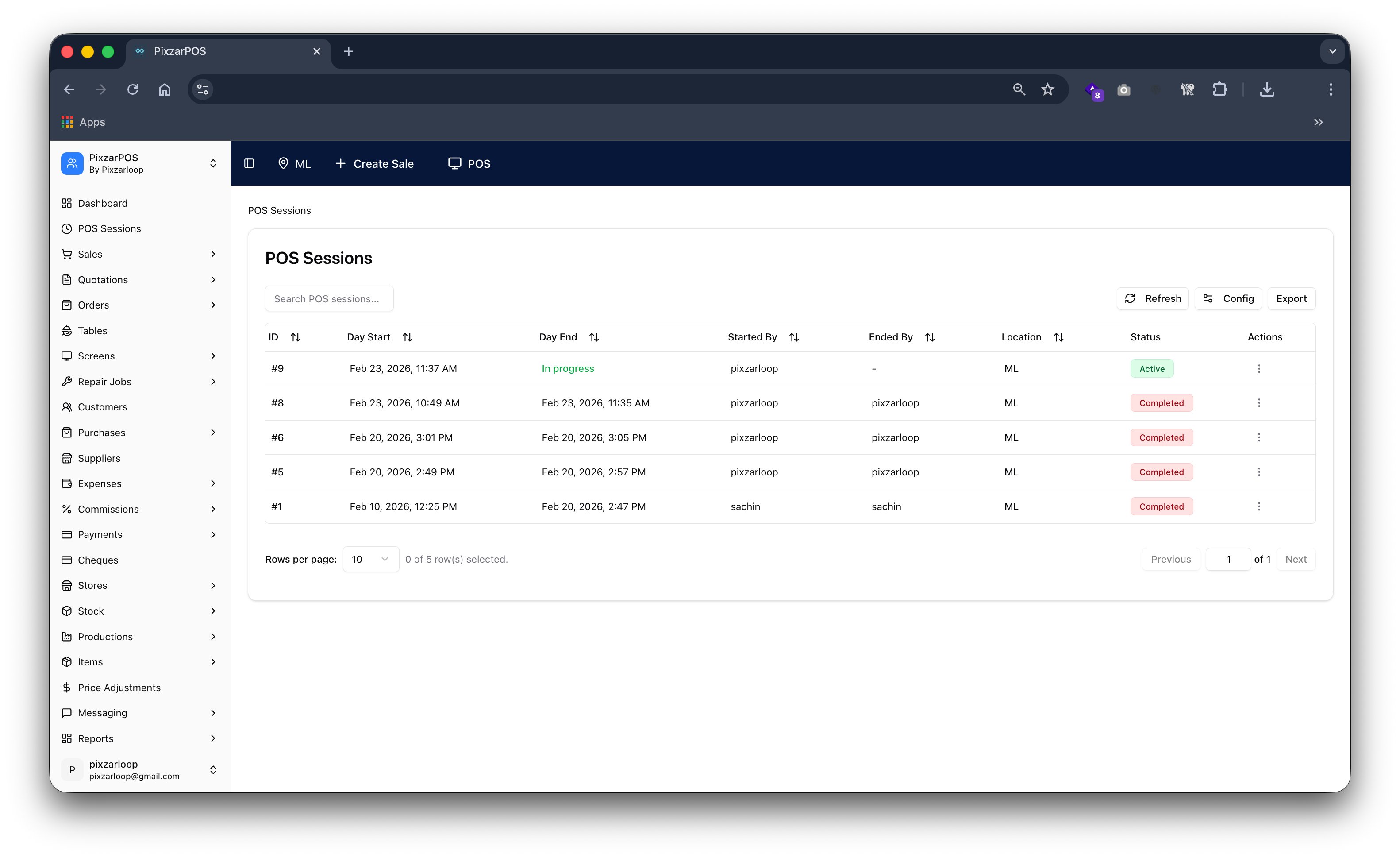
POS sessions tracking transactions, shifts, cash flow, and operator activities.
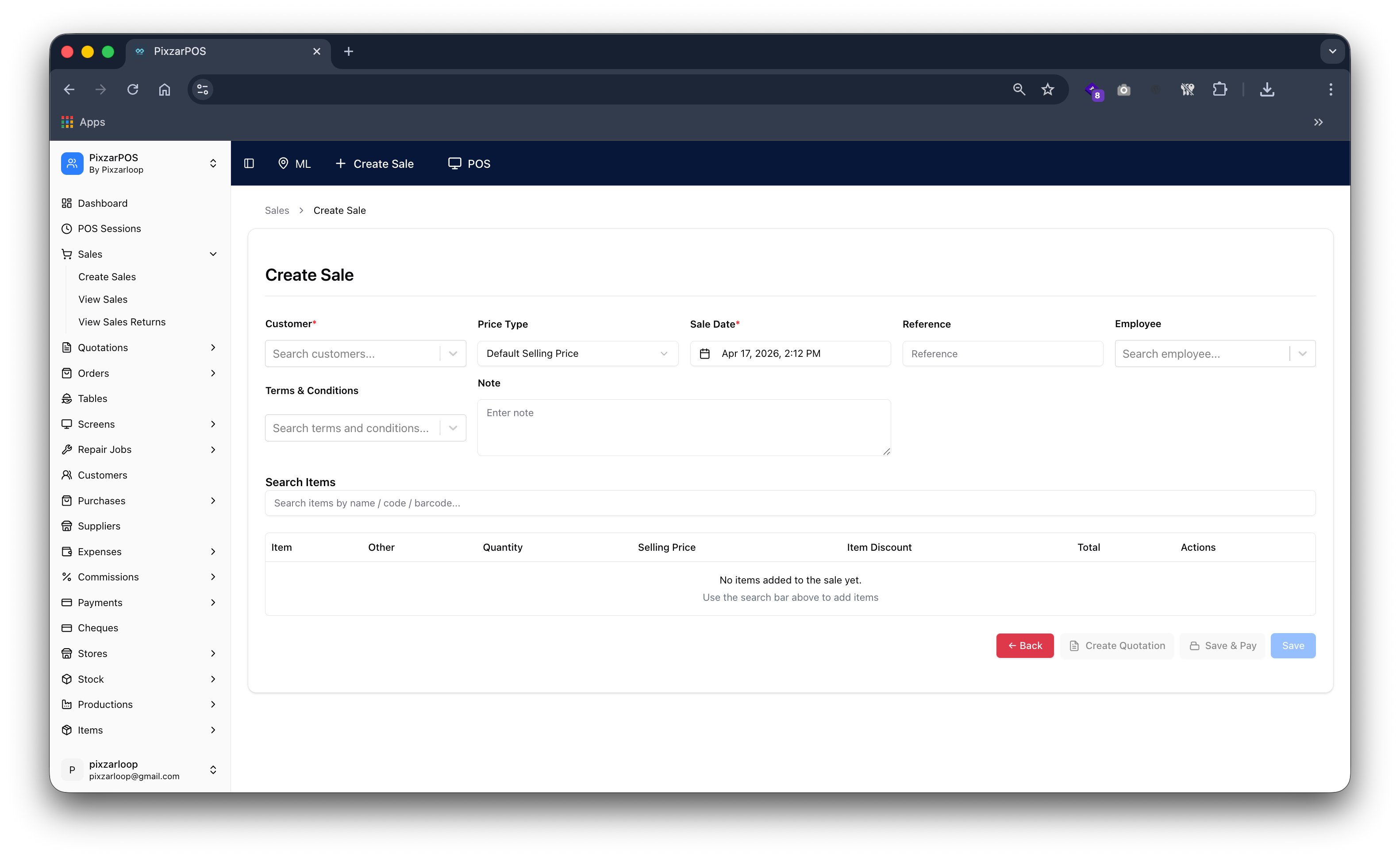
Create sale process enabling fast billing, item selection, and payment processing.
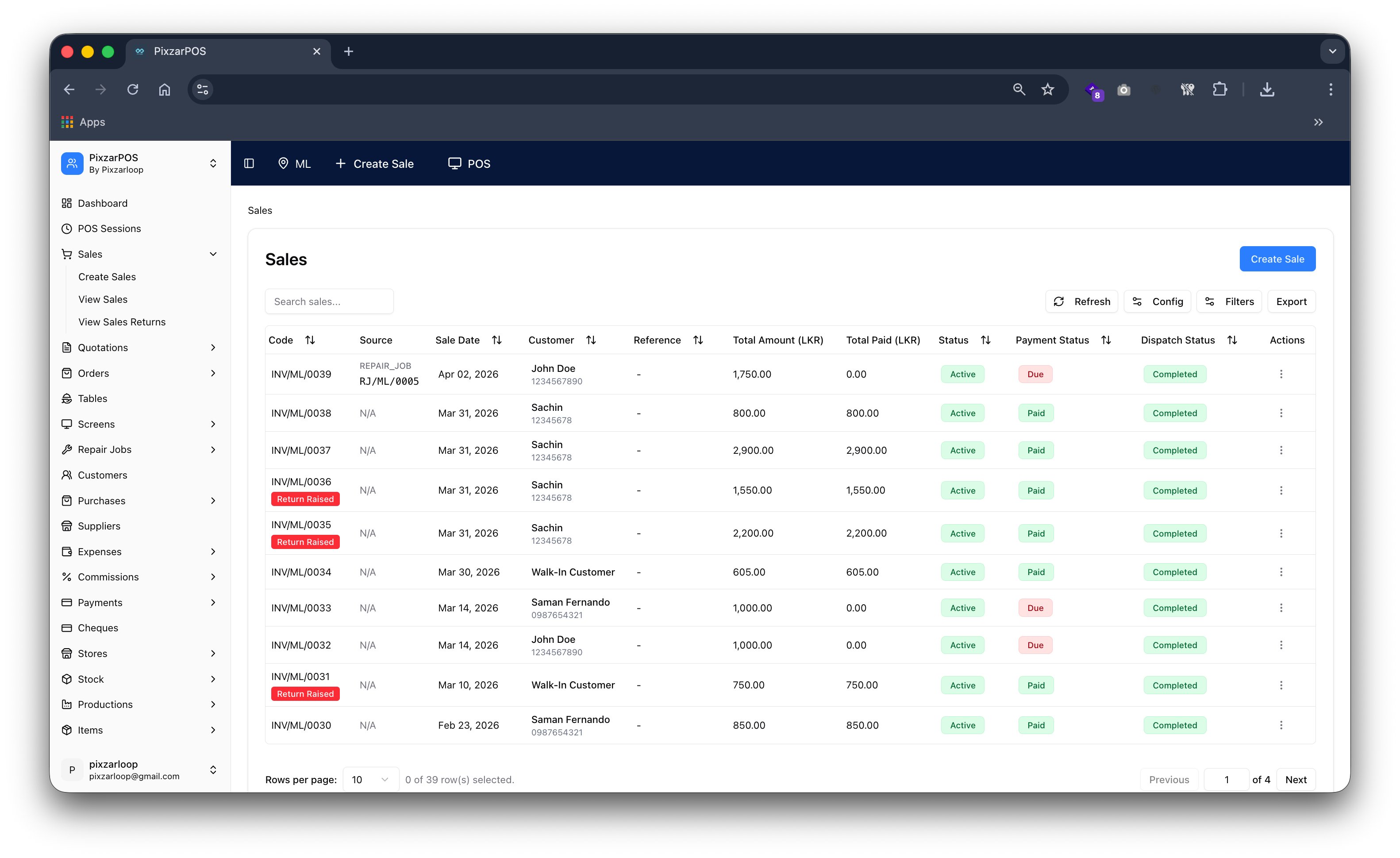
Sales list displaying transactions, filters, history, and detailed sales records.
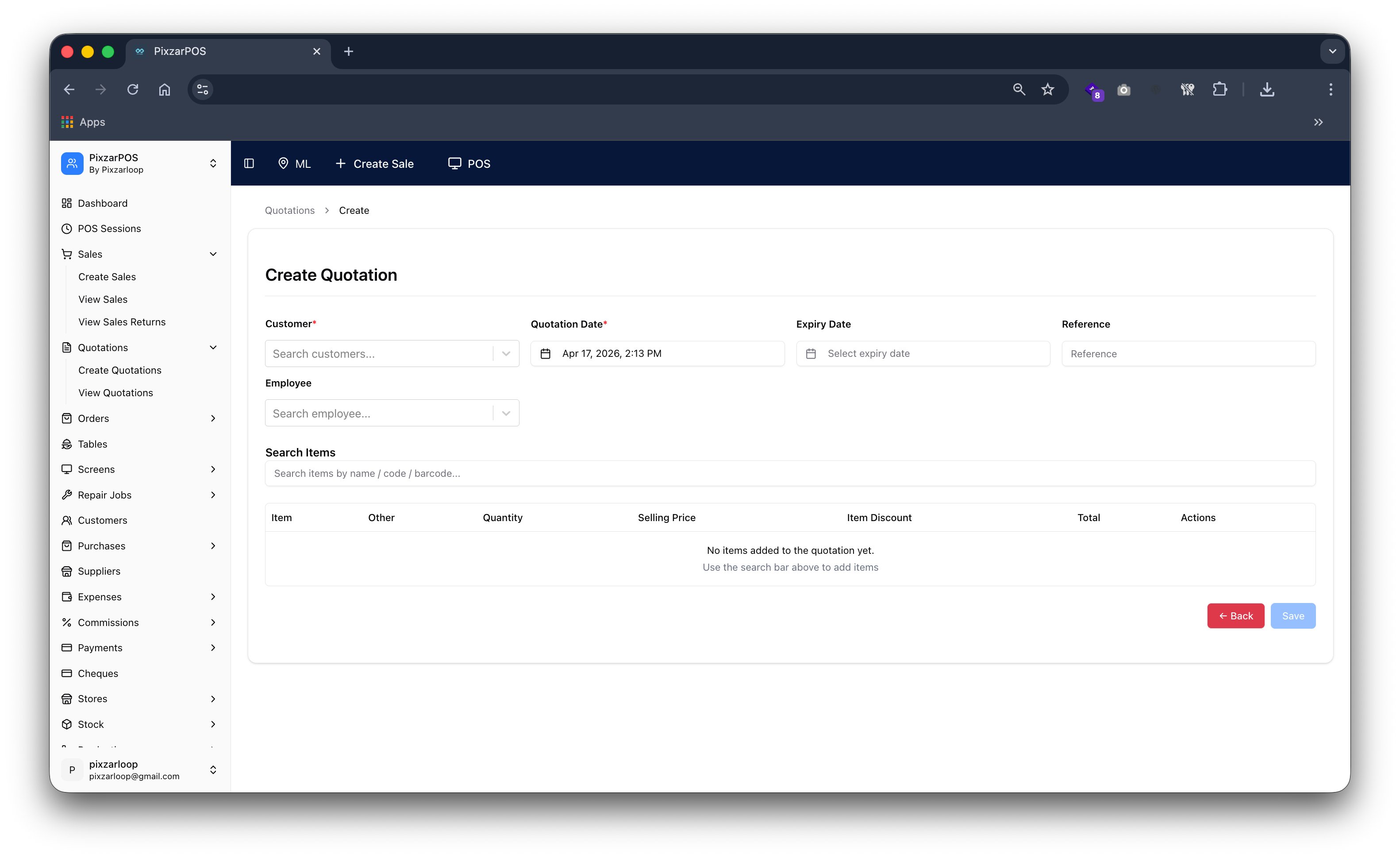
Create quotation generating price estimates, item details, and customer offers.
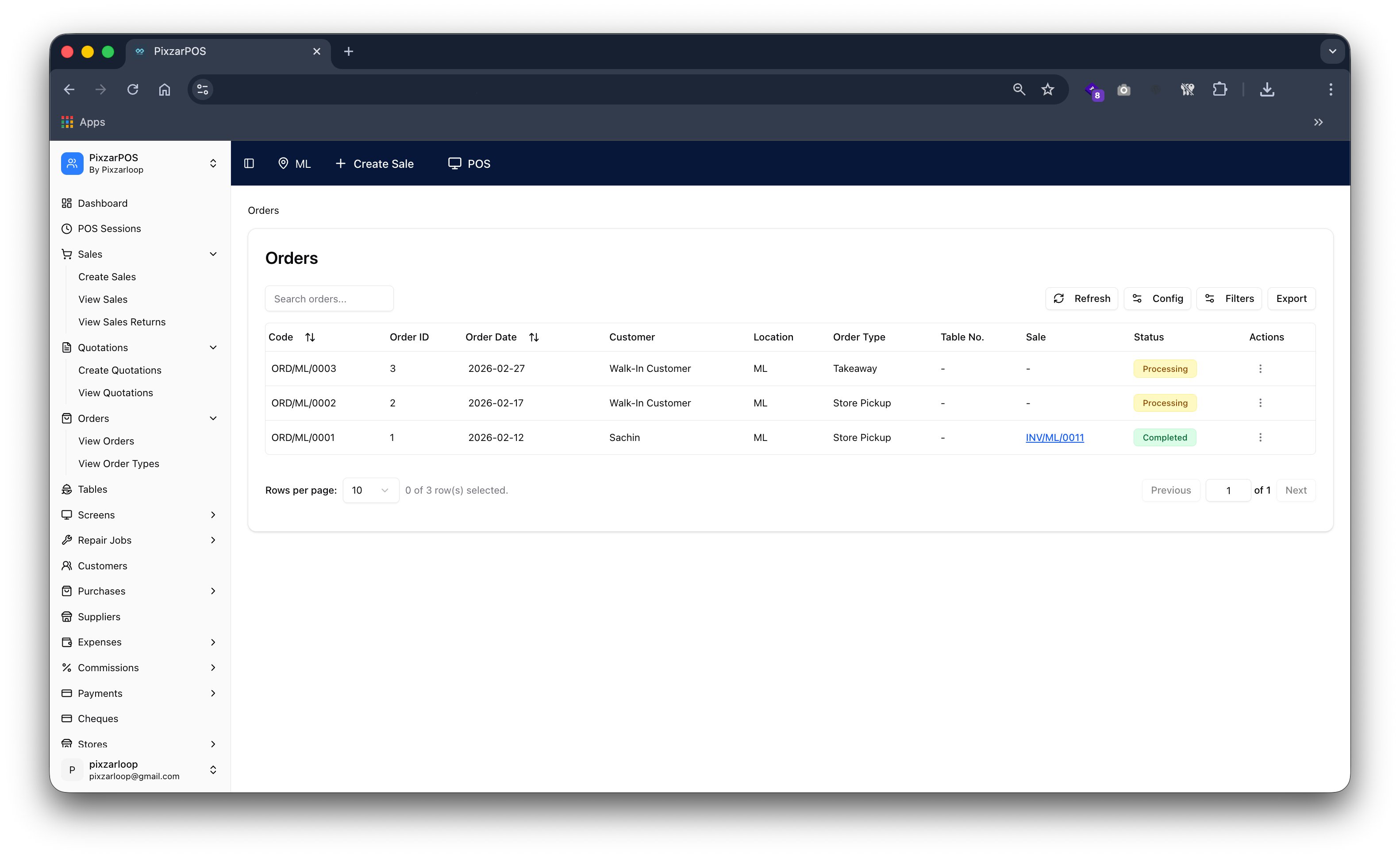
Orders managing purchase requests, processing status, and fulfillment tracking.
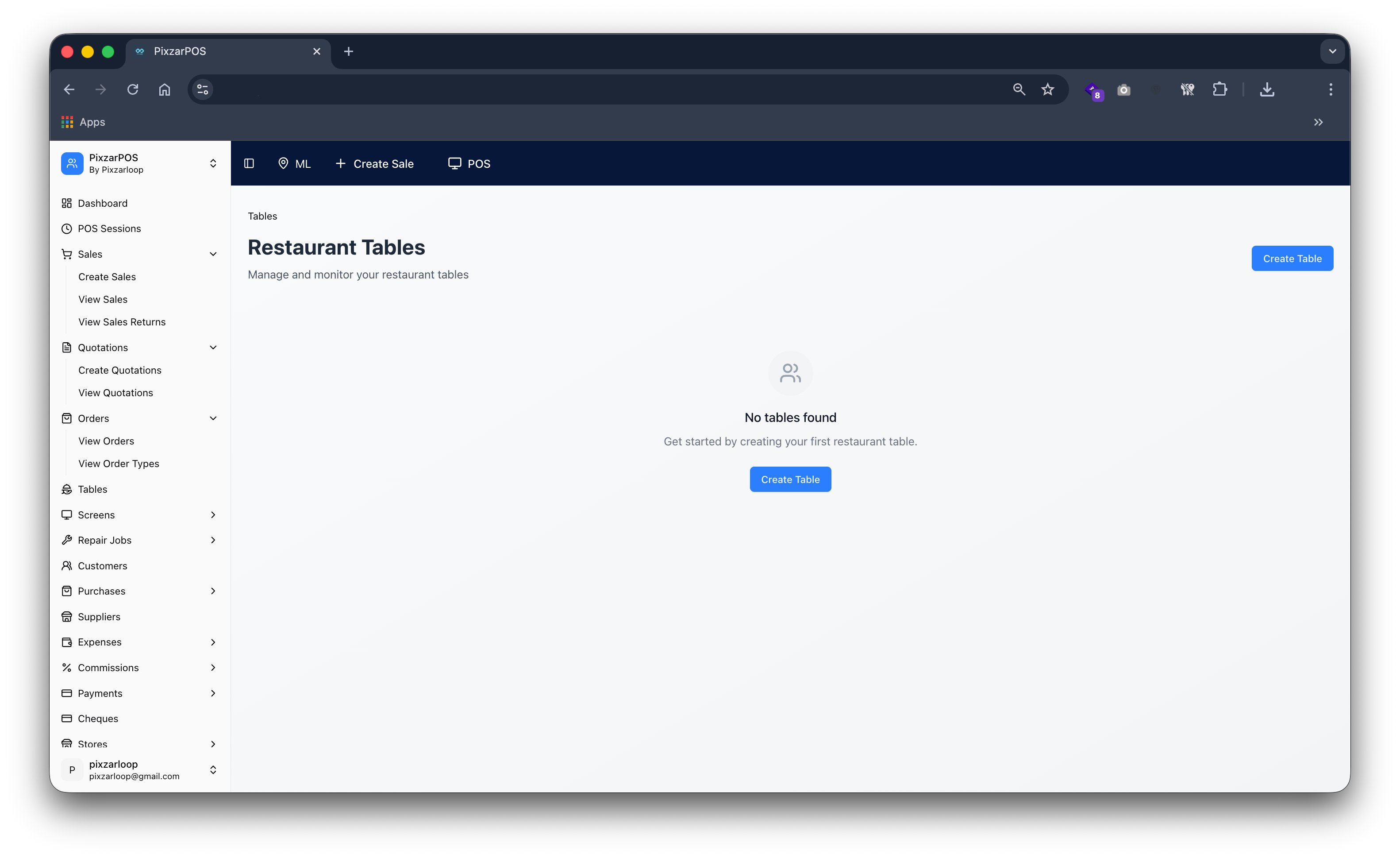
Restaurant tables managing seating, orders, and dining area arrangements.
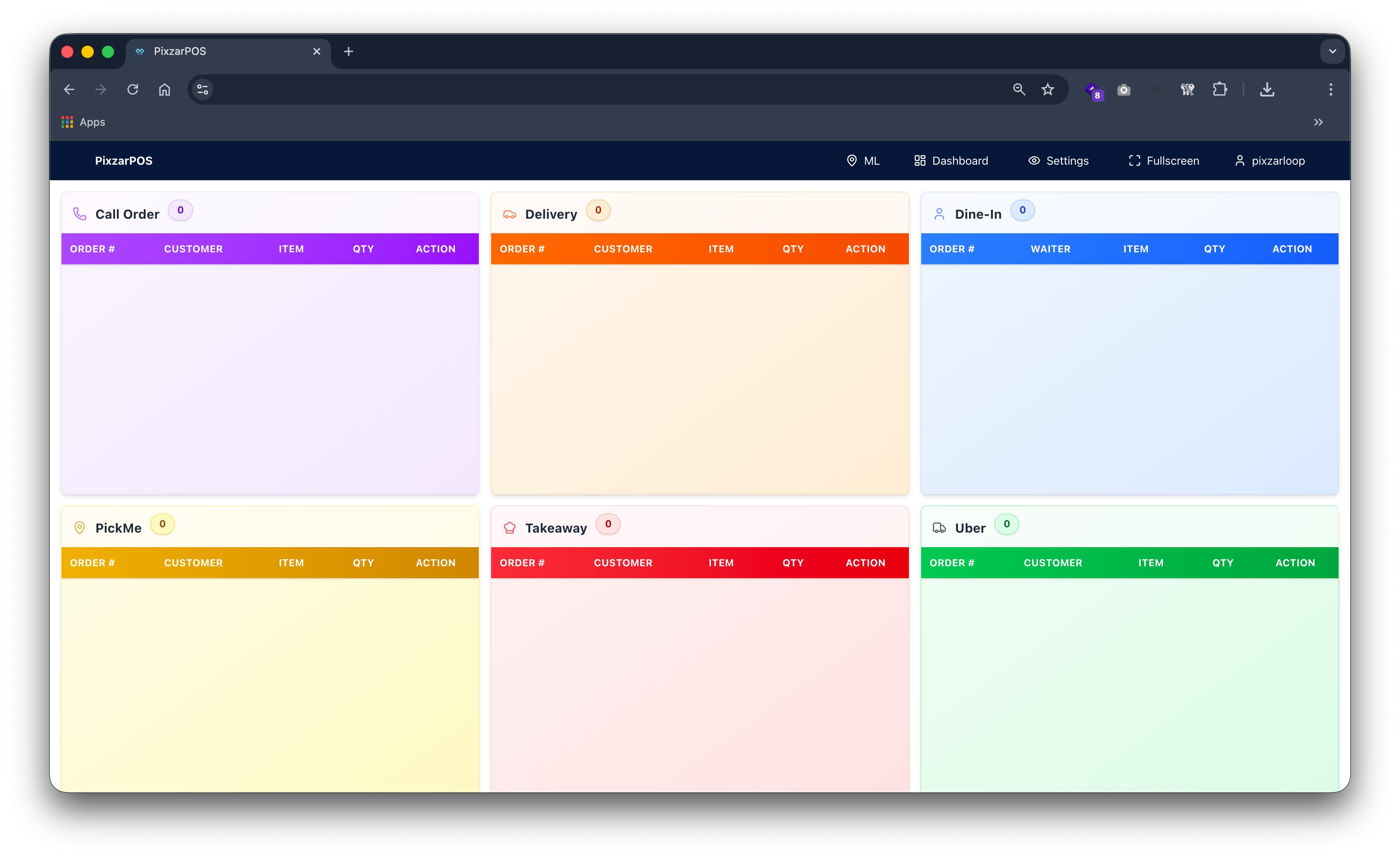
KOT screen managing kitchen order tickets for efficient food preparation.
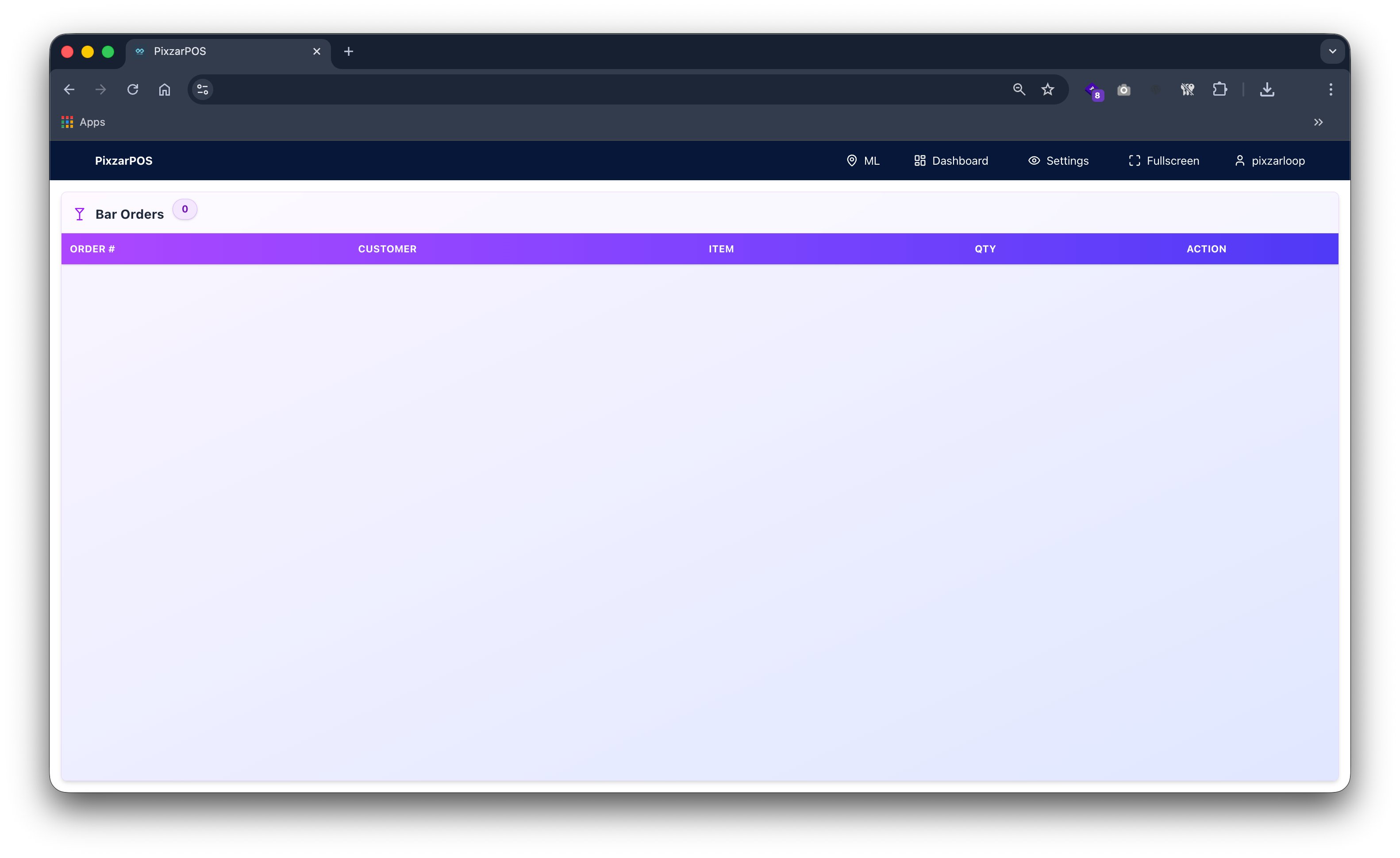
BOT screen managing bar order tickets for efficient drink preparation.
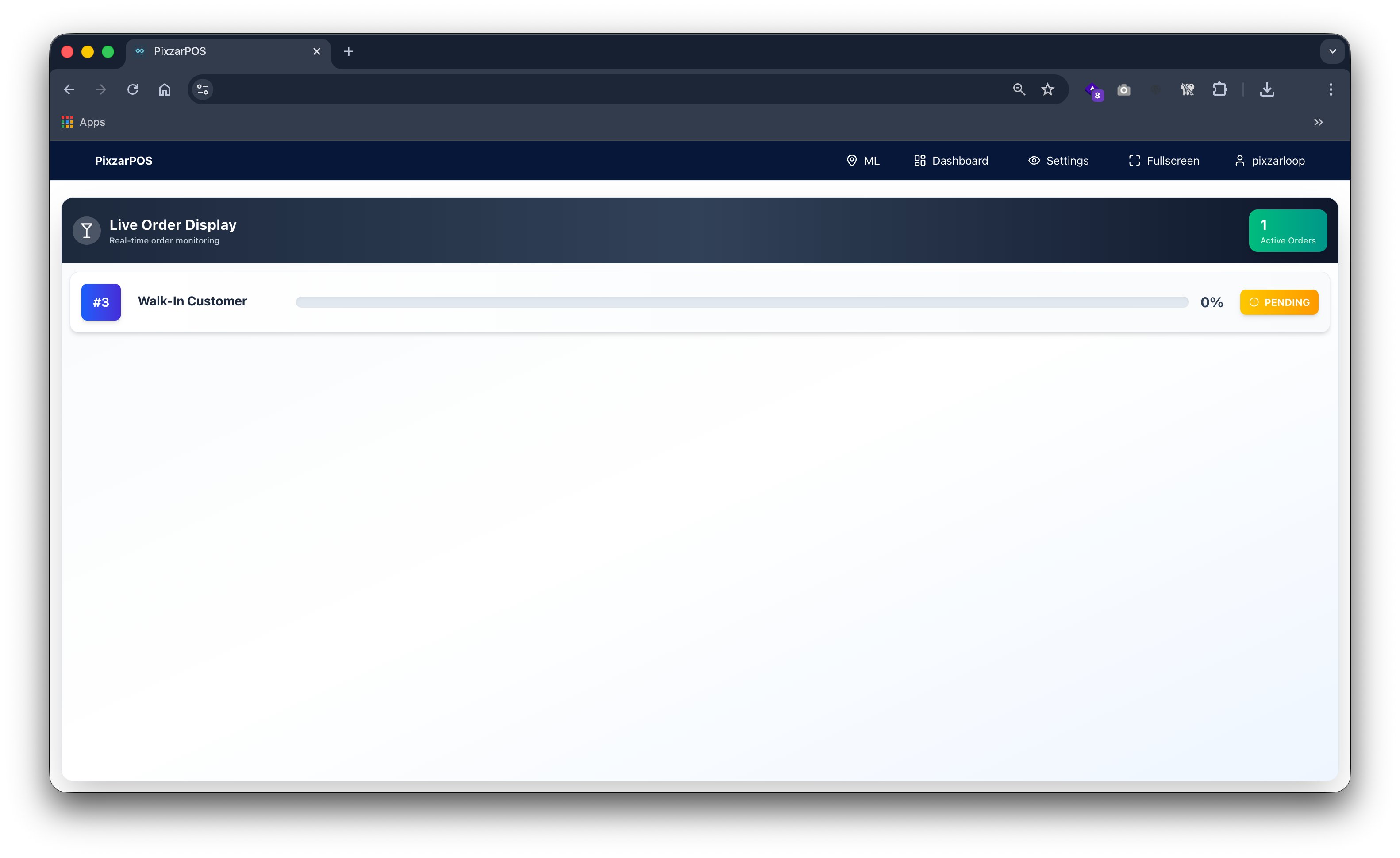
Customer display screen showing order details, totals, and payment information.
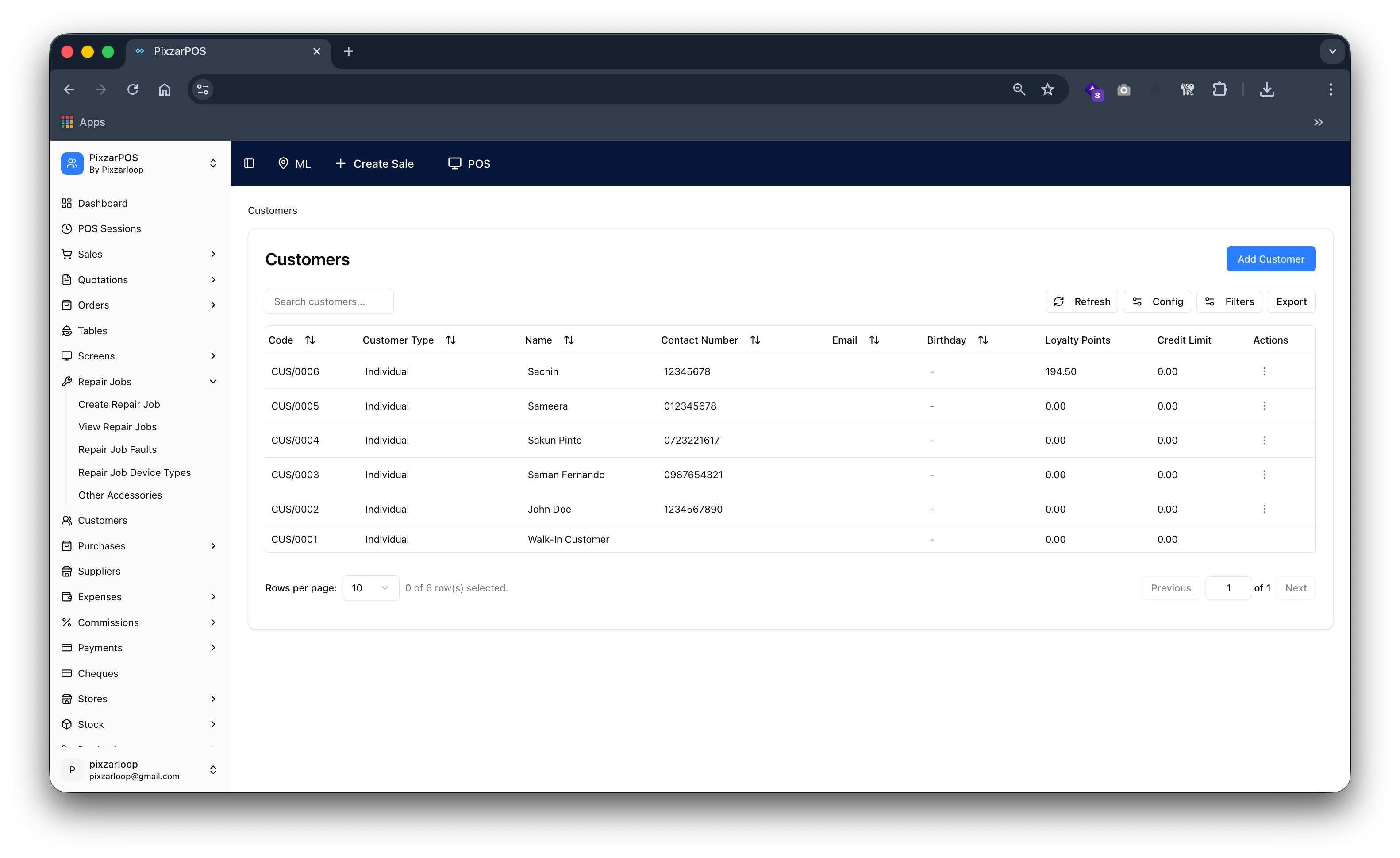
Customers managing client details, purchase history, and relationship records.
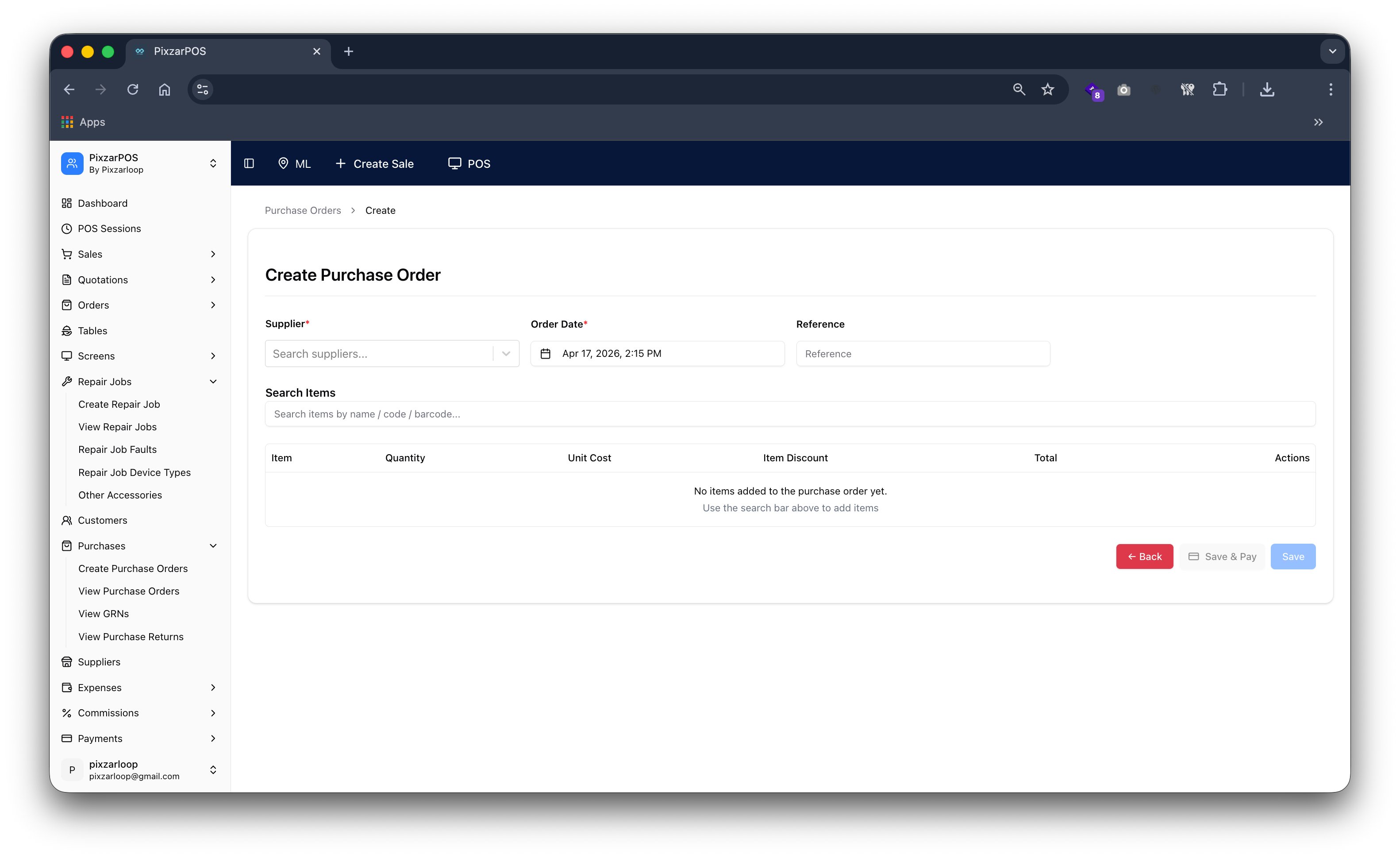
Create purchase order generating supplier requests, item lists, and procurement details.
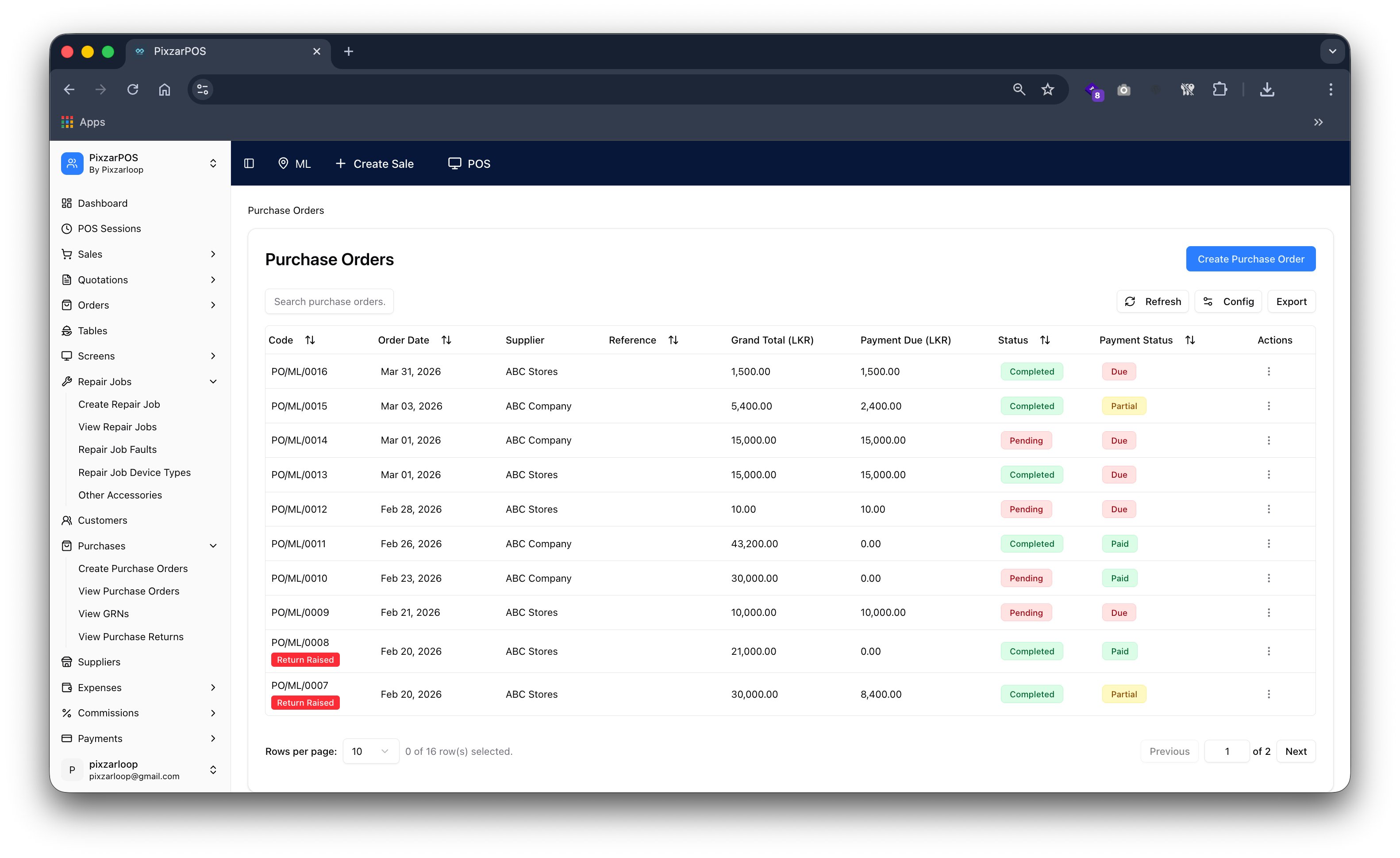
Purchase order list displaying all orders, statuses, and supplier records.
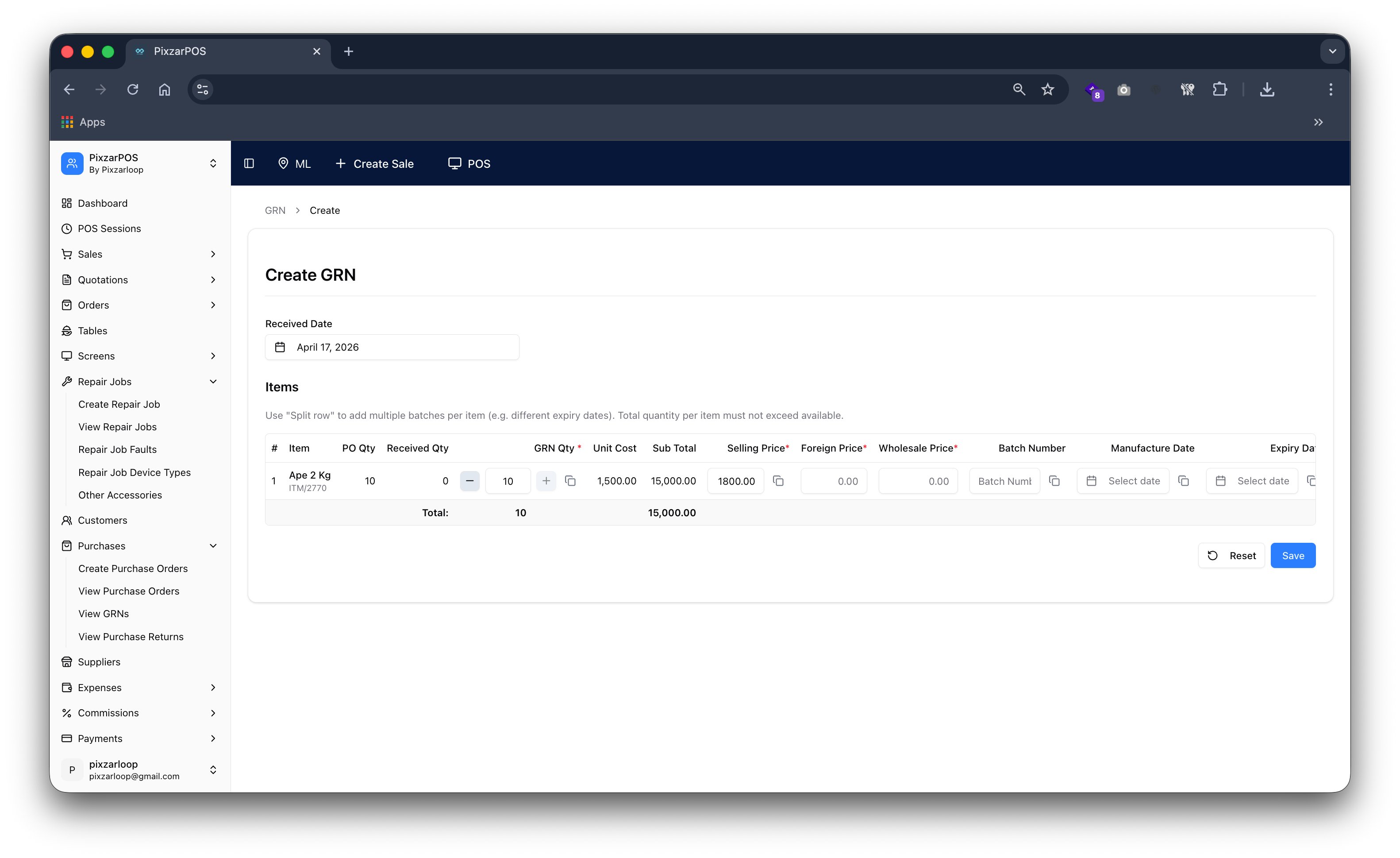
Create GRNs recording received goods, quantities, and supplier delivery details.
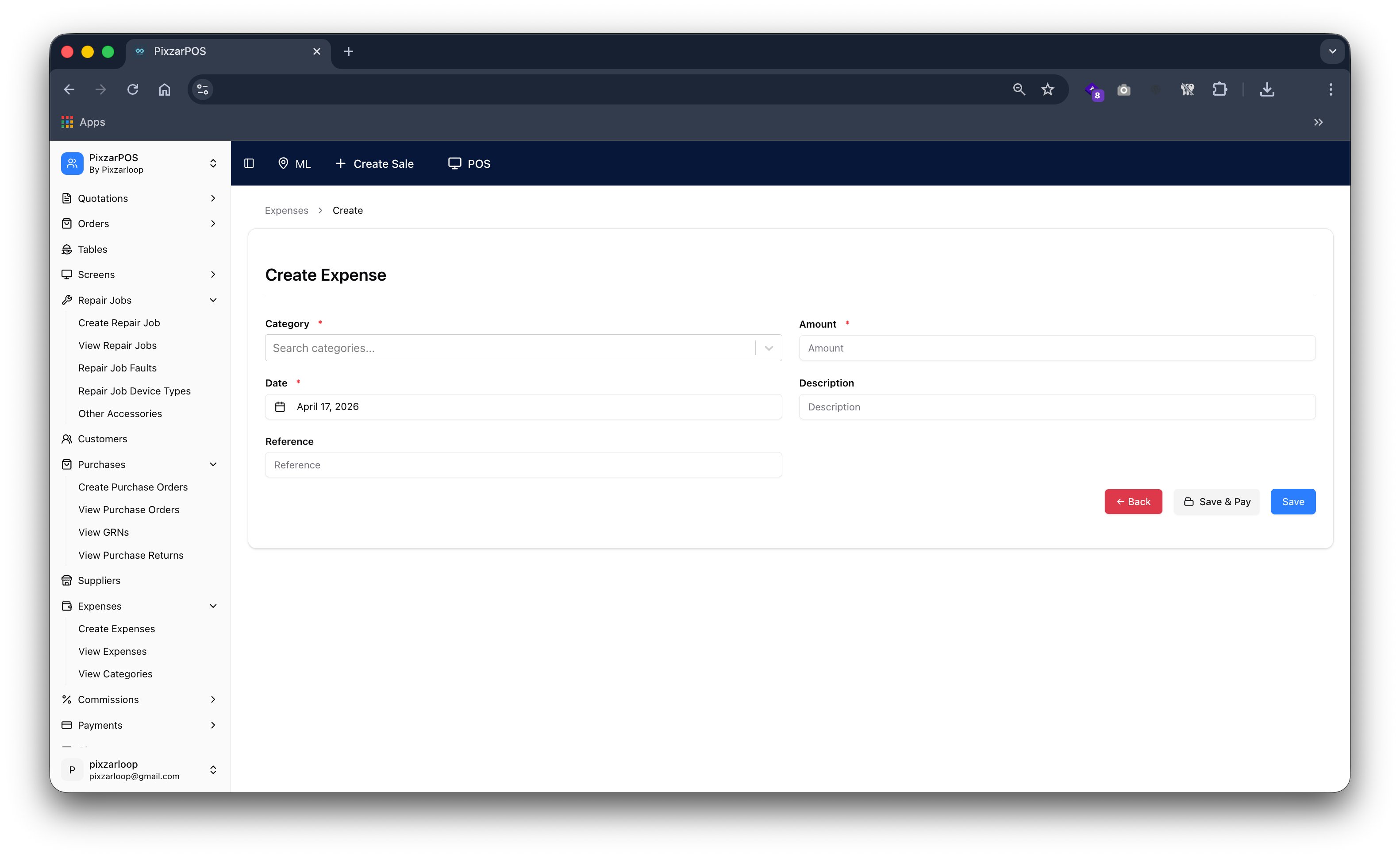
Create expense recording business costs, categories, and payment details.
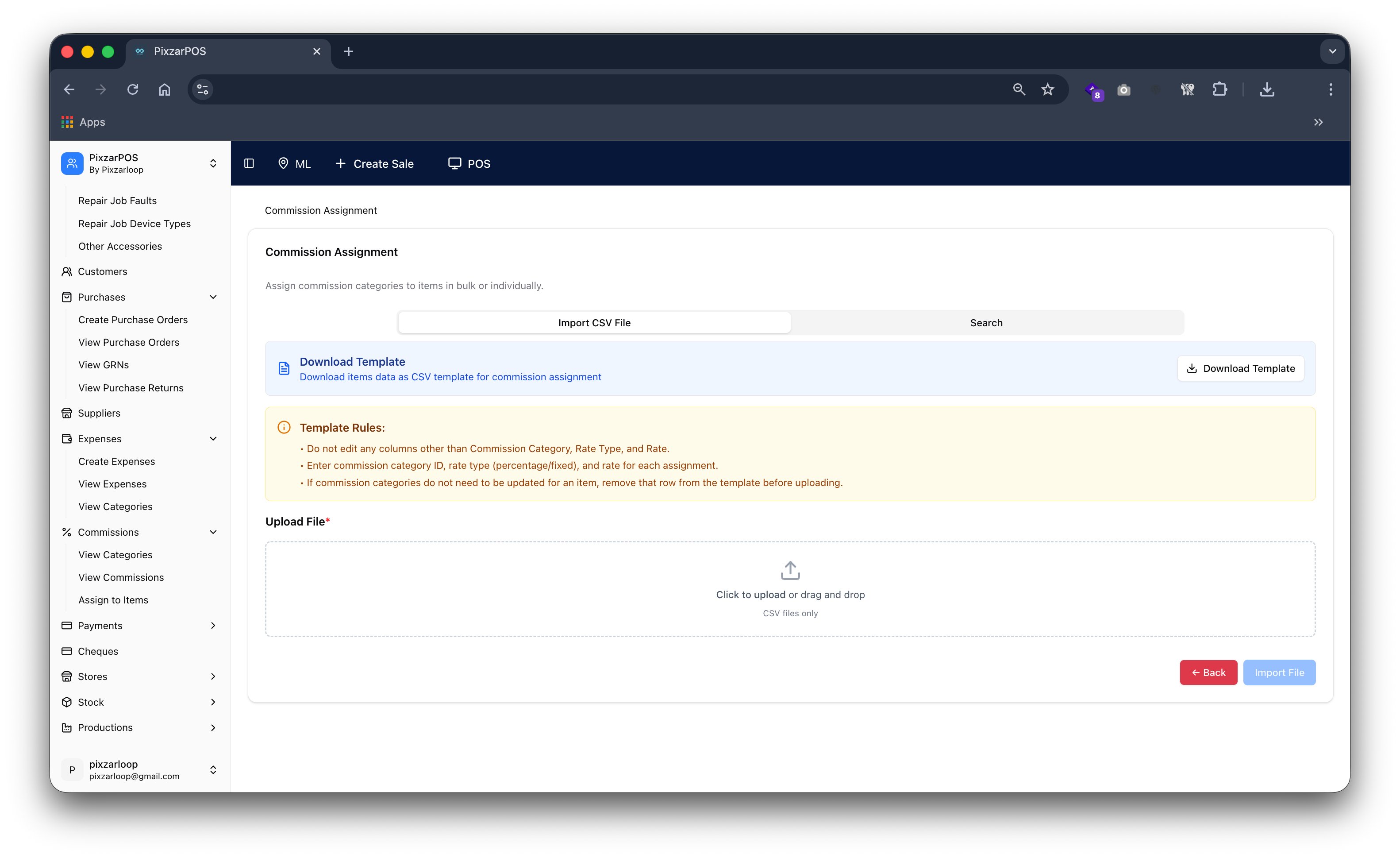
Commission assignments allocating commission rules to users, agents, or sales staff.
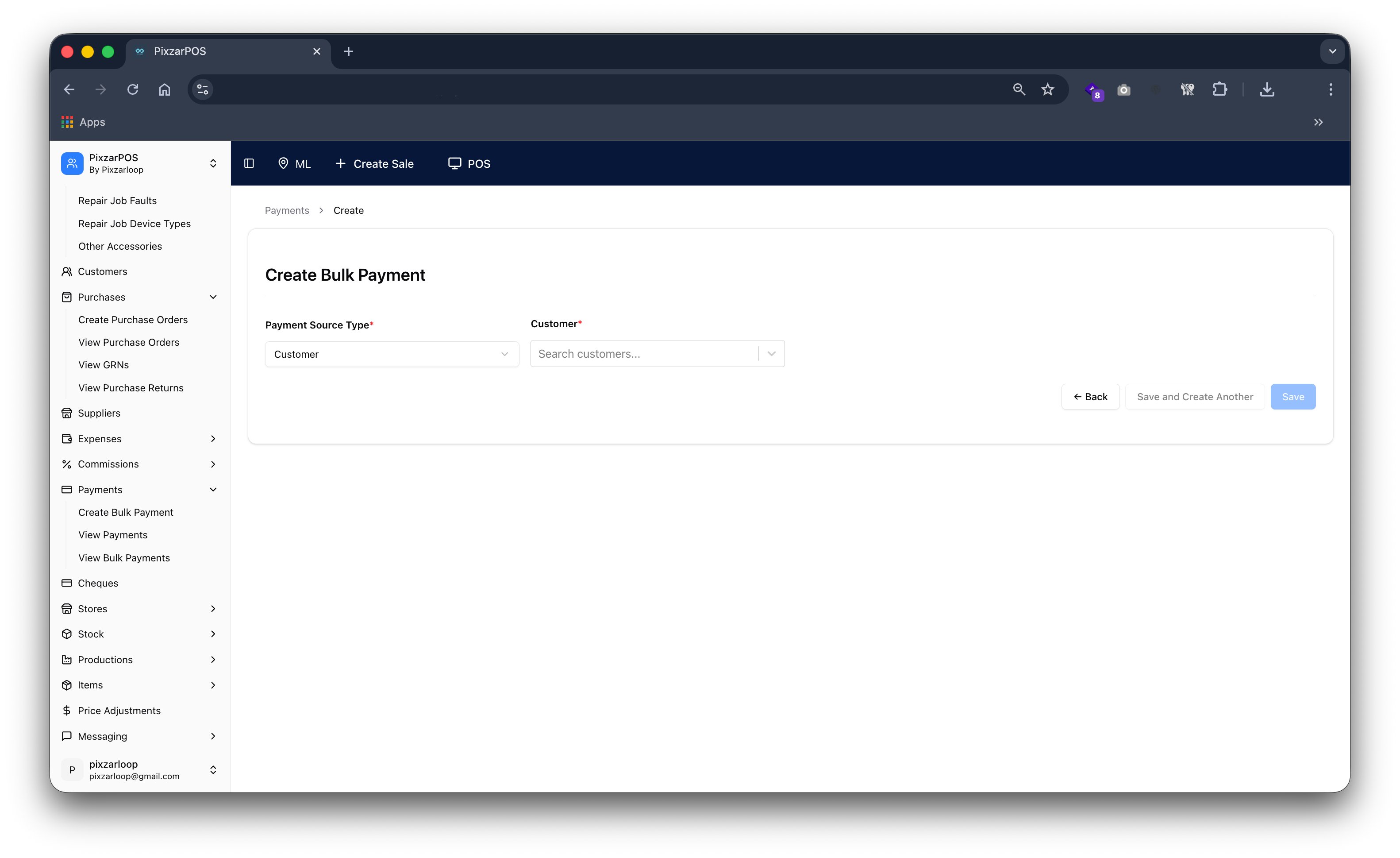
Create bulk payment processing multiple payments to suppliers, staff, or accounts at once.
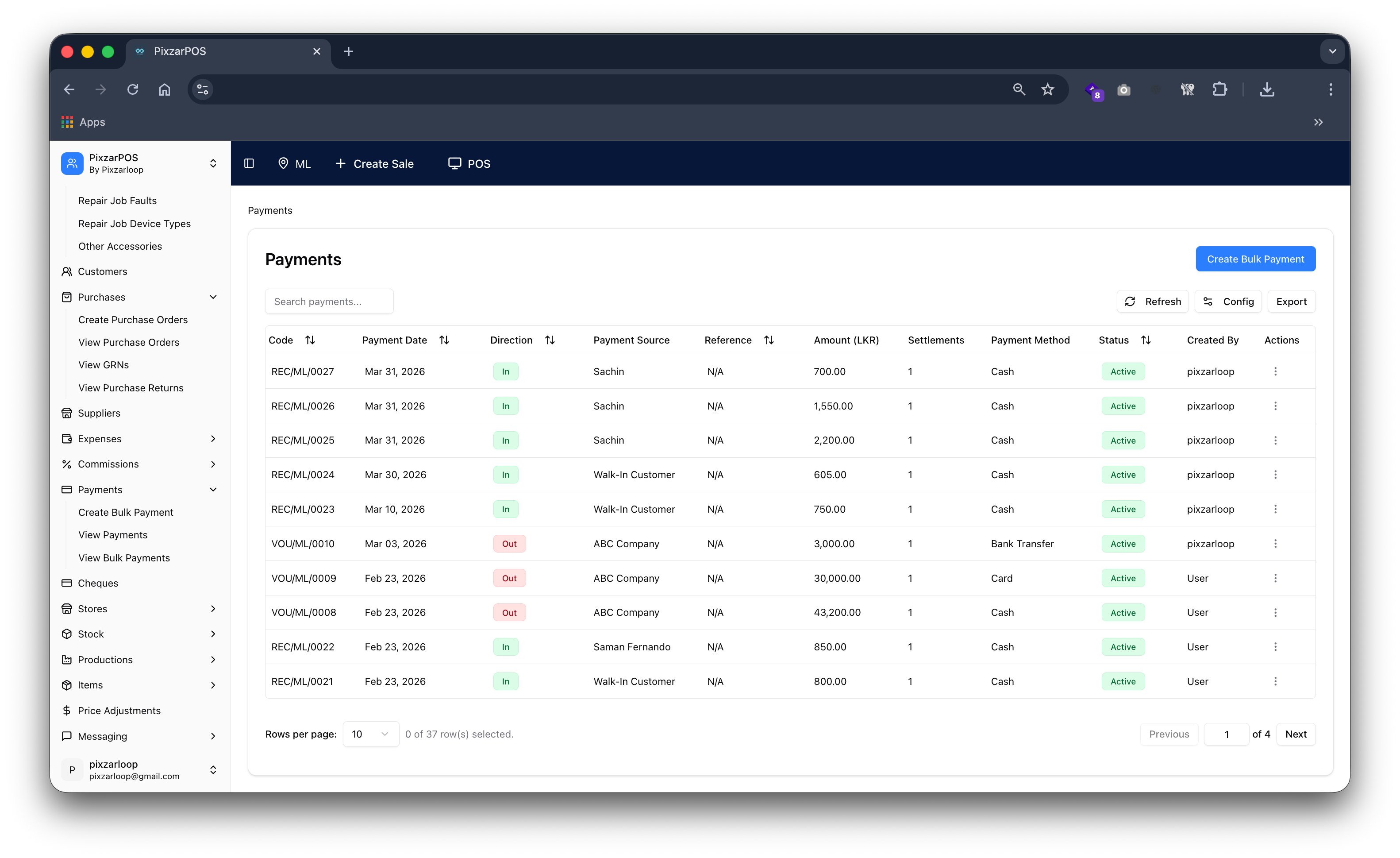
Payments managing incoming and outgoing transactions, records, and payment history.
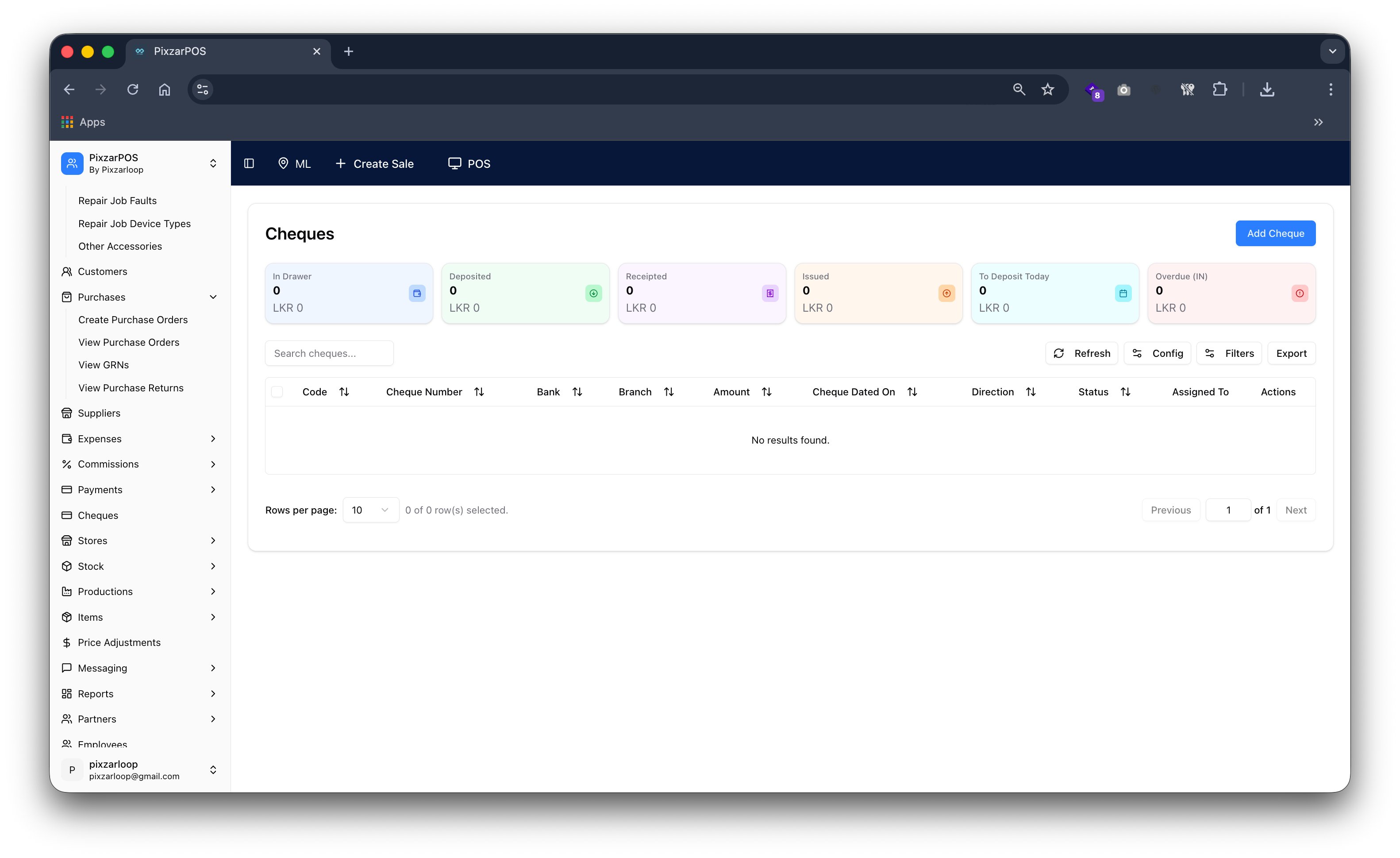
Cheques managing cheque issuance, tracking, and payment records.
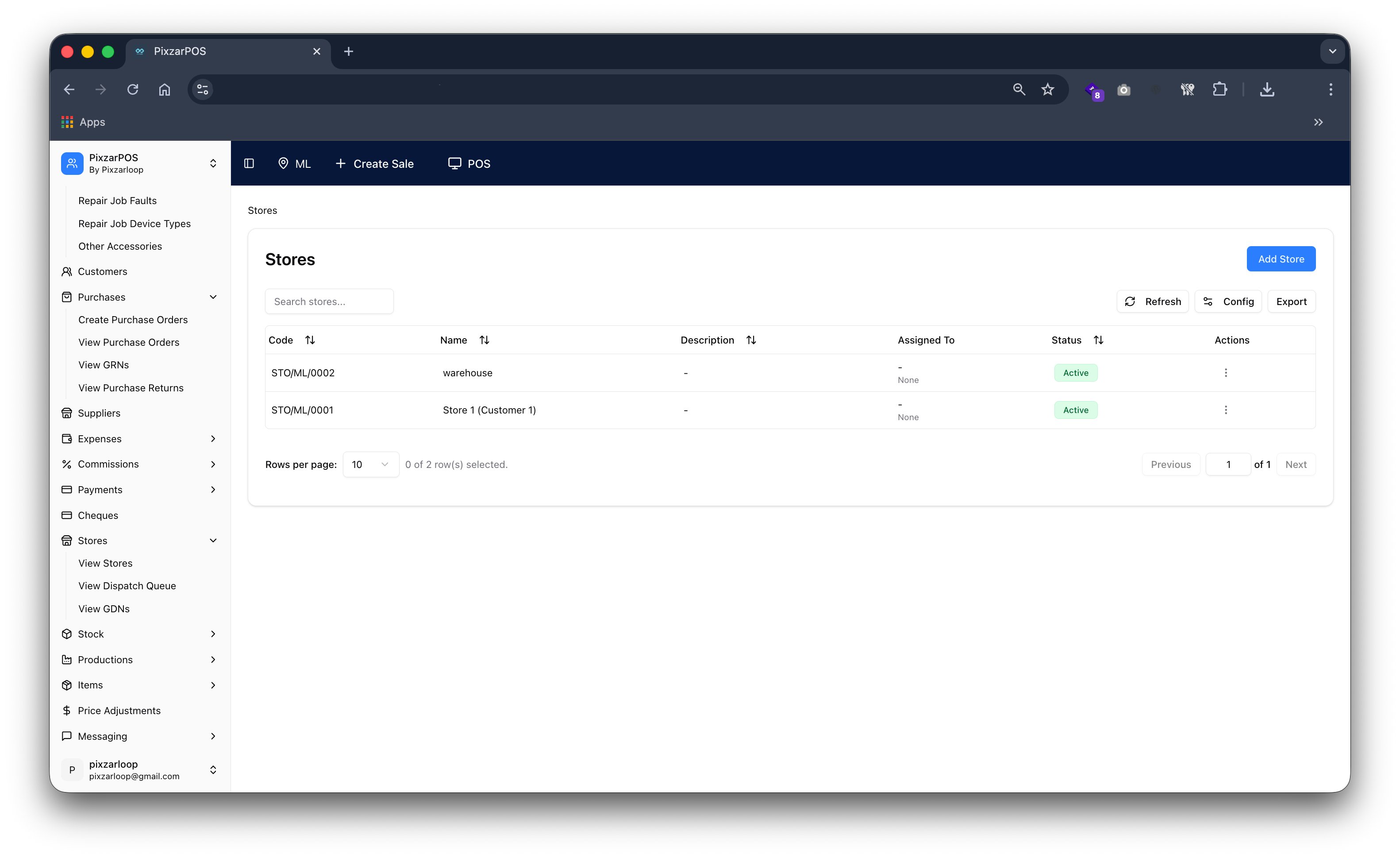
Stores managing multiple locations, inventory distribution, and business operations.
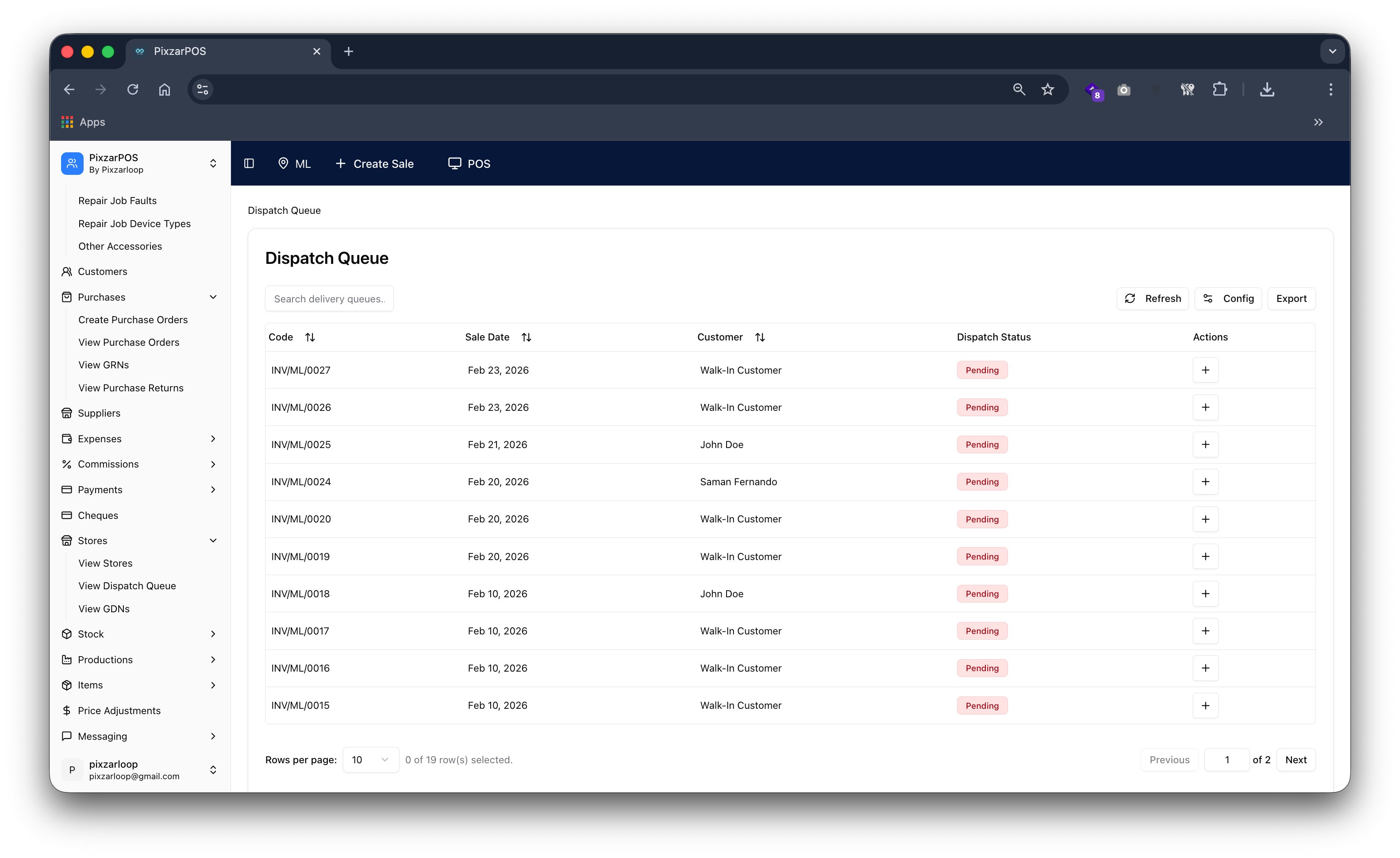
Dispatch queue managing order deliveries, packing, and shipment processing efficiently.
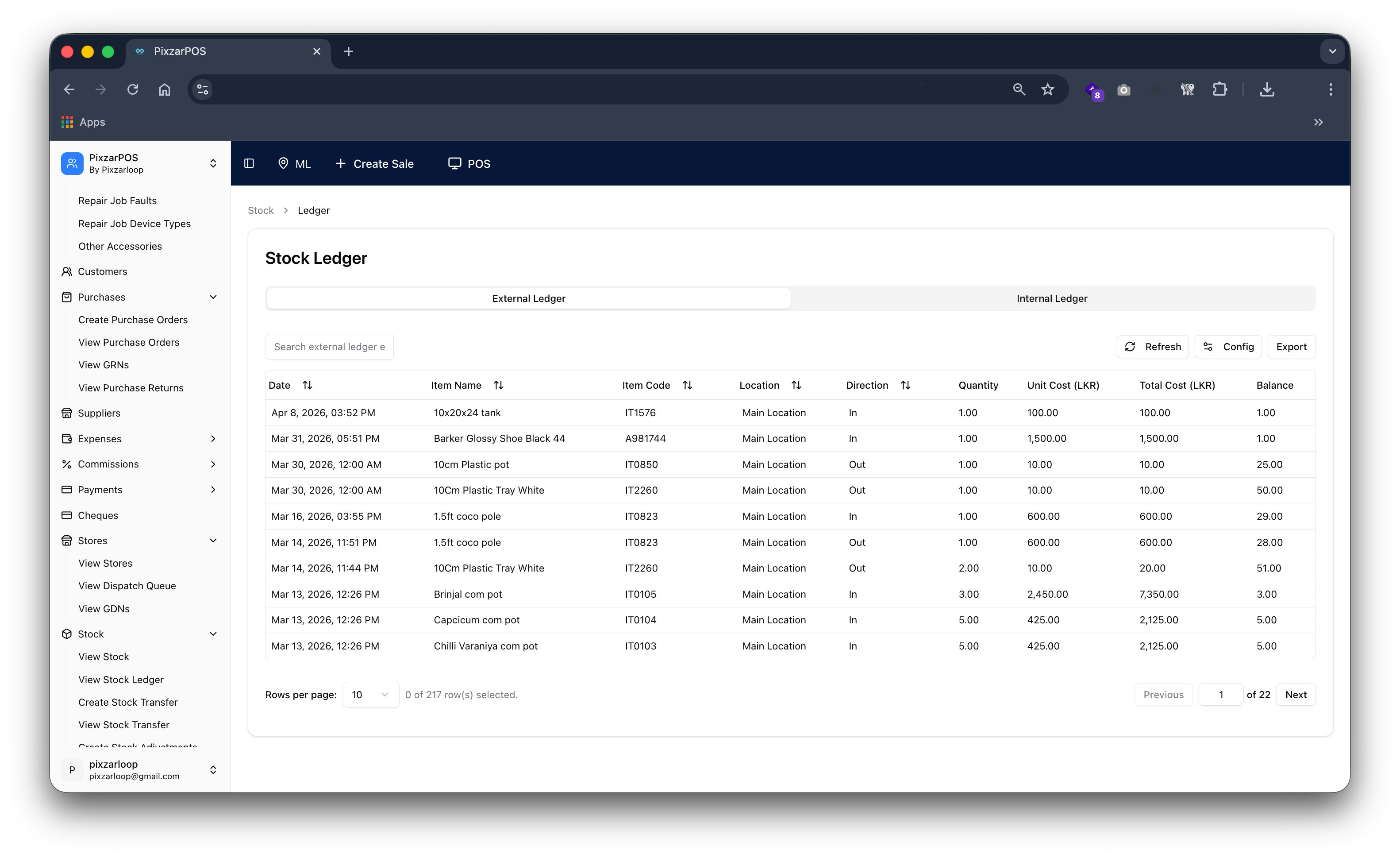
Stock ledger tracking inventory movements, purchases, sales, and adjustments records.
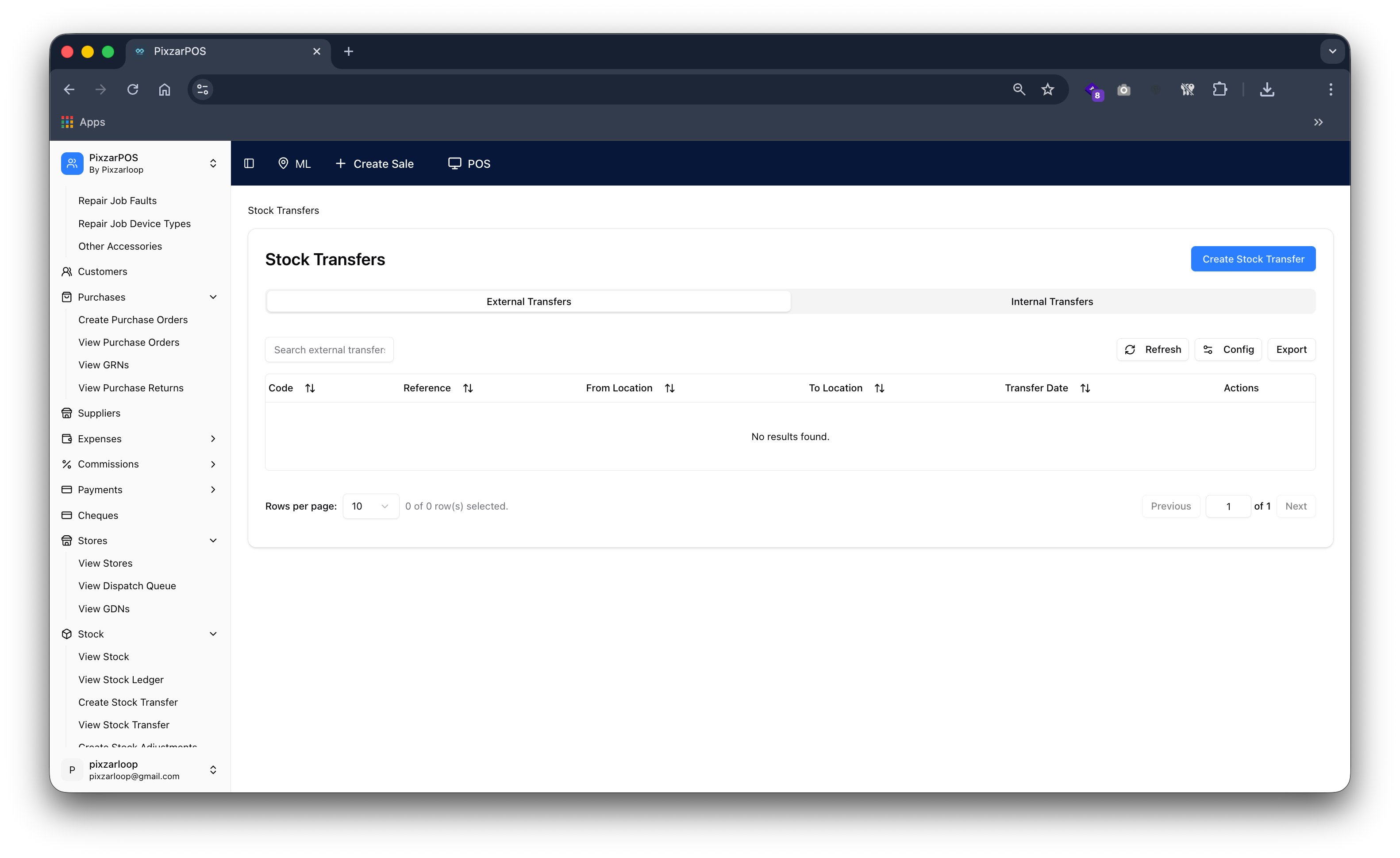
Stock transfer managing movement of inventory between stores, locations, or warehouses efficiently.
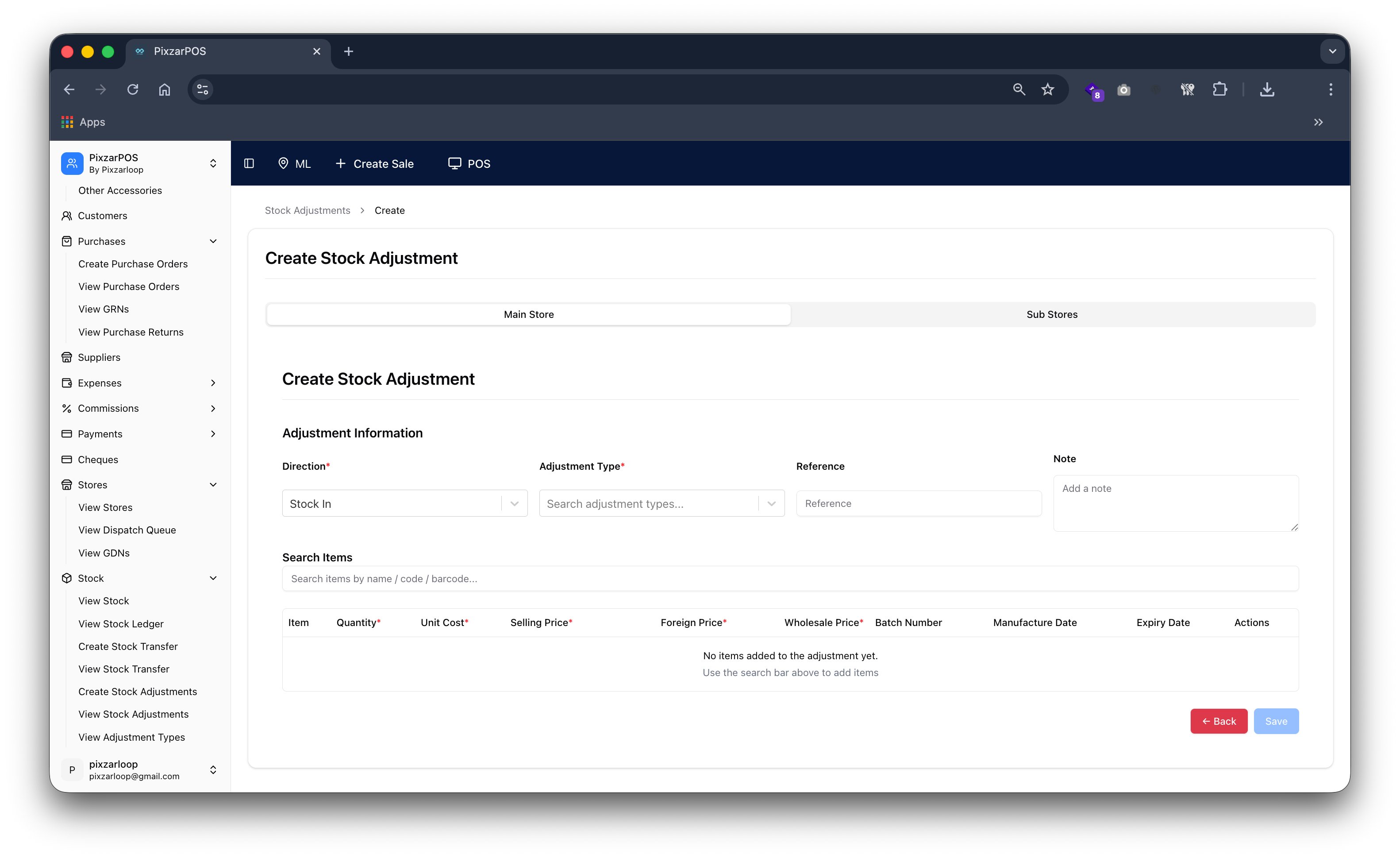
Create stock adjustment for inventory correction and balance management.
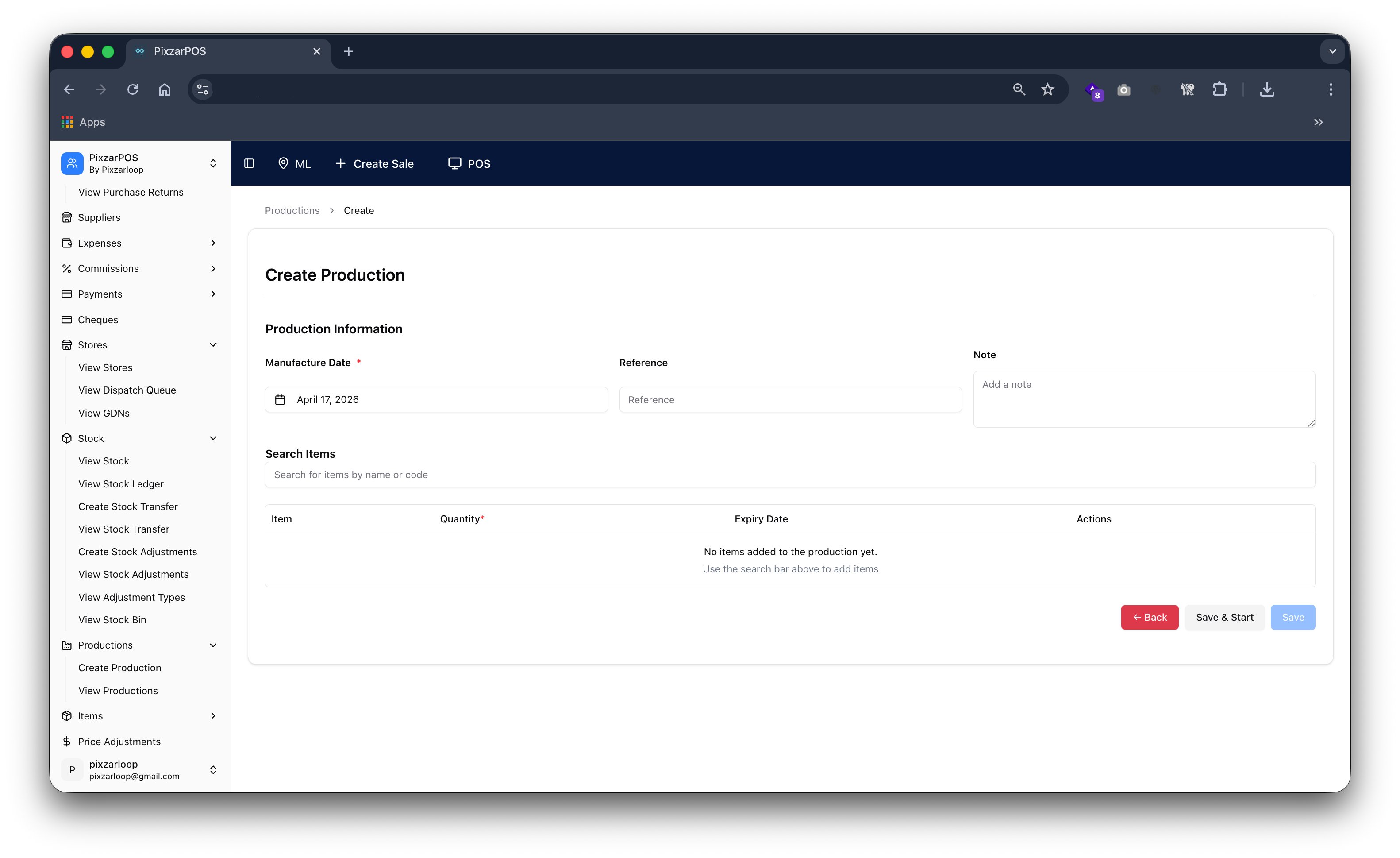
Create production managing manufacturing process, workflows, and output tracking efficiently.
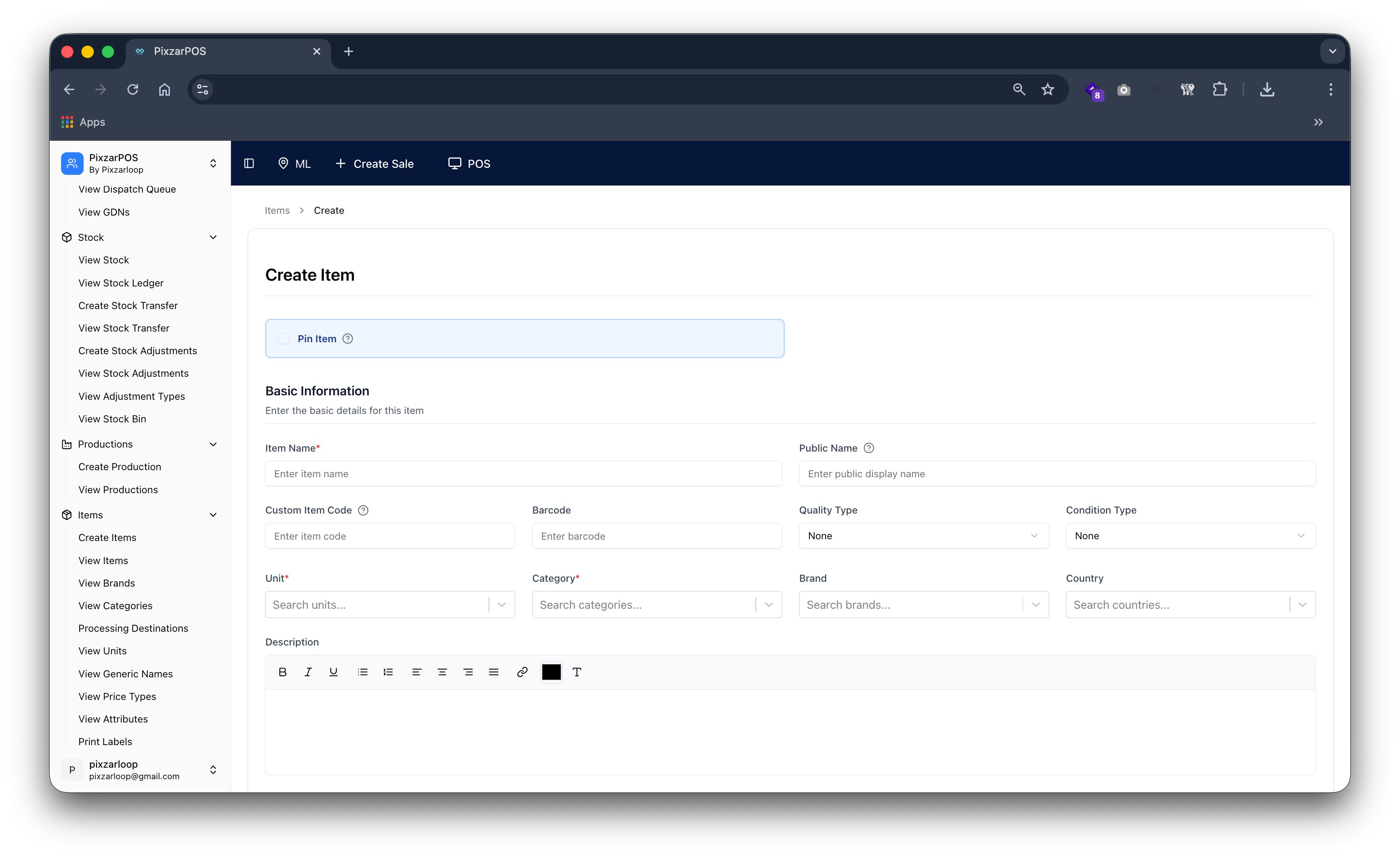
Create item adding new products with details, pricing, and inventory setup.
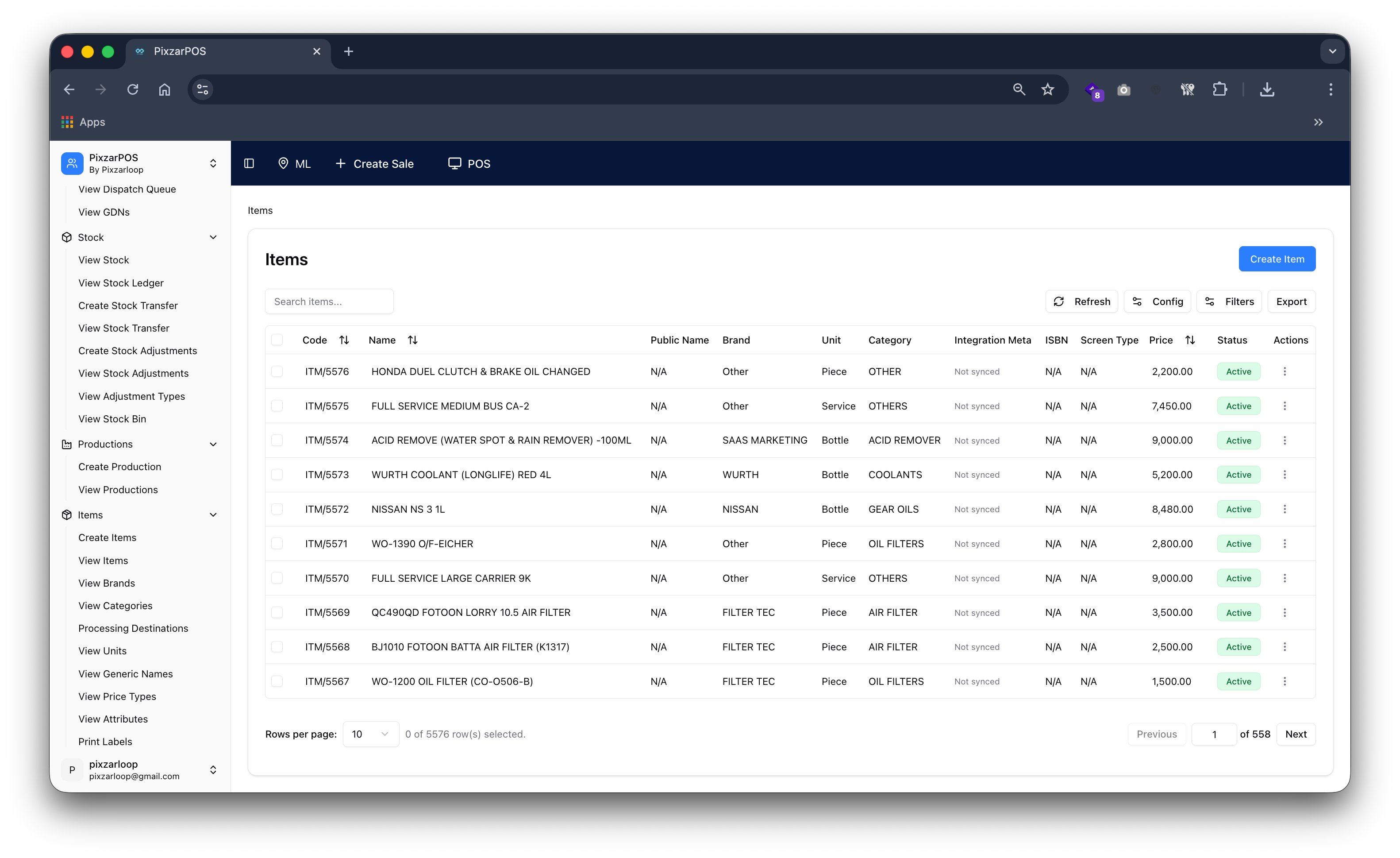
Items managing product catalog, details, pricing, and inventory records.
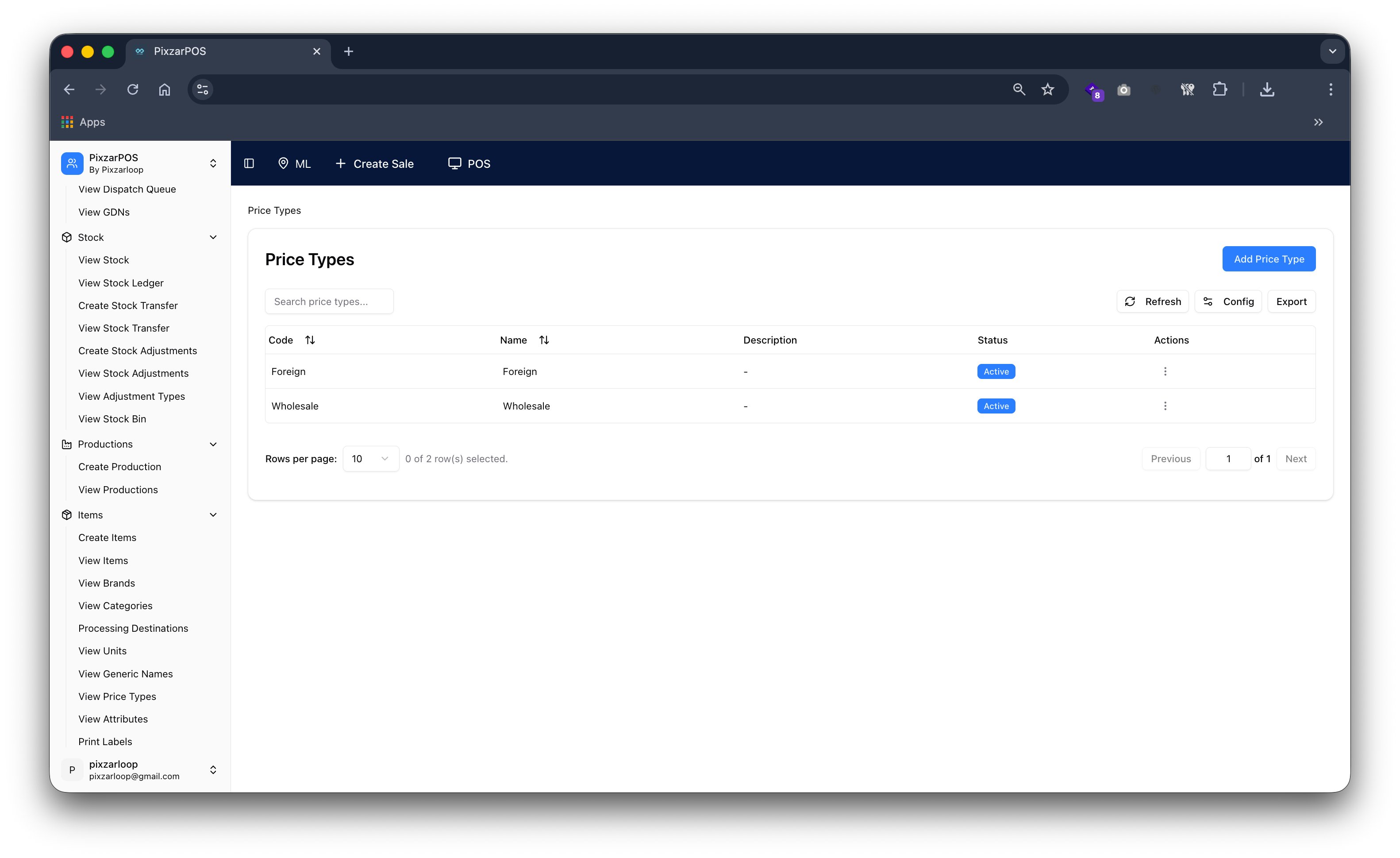
Price types defining different pricing levels for products and sales strategies.
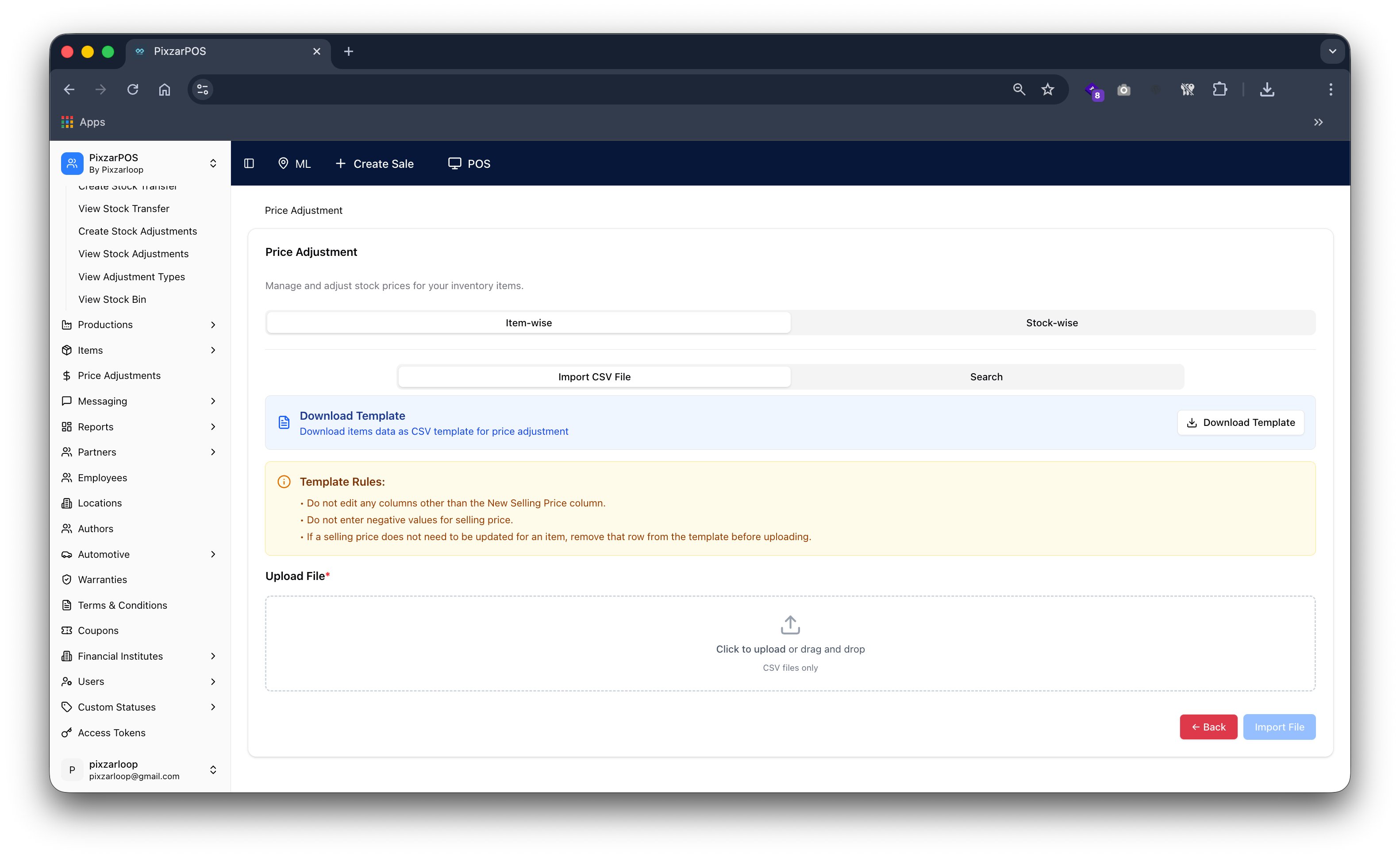
Price adjustment managing changes in product pricing, discounts, and corrections.
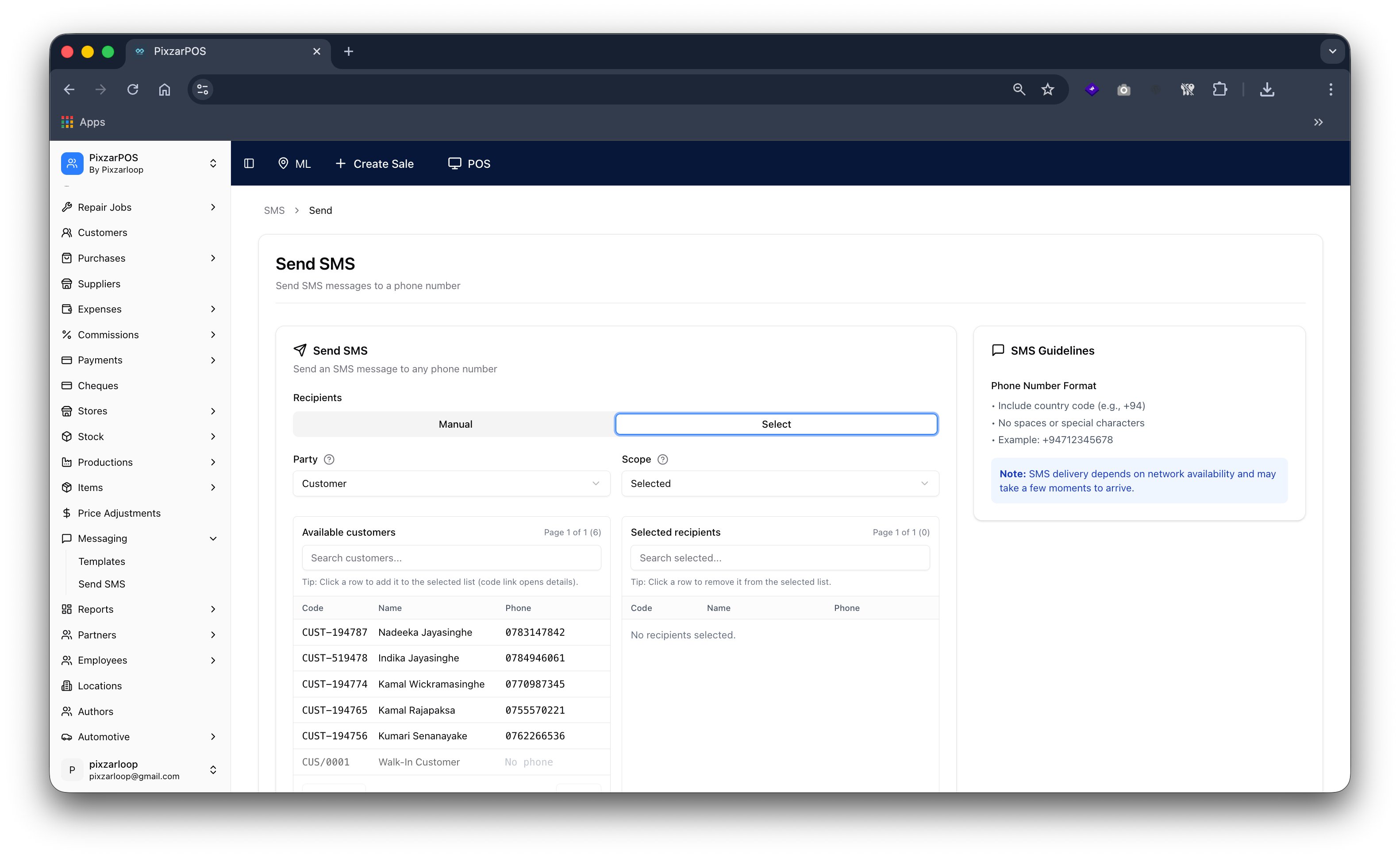
Send SMS enabling quick delivery of text messages to customers or users.
Sales report providing detailed analysis of revenue, performance, and transactions.
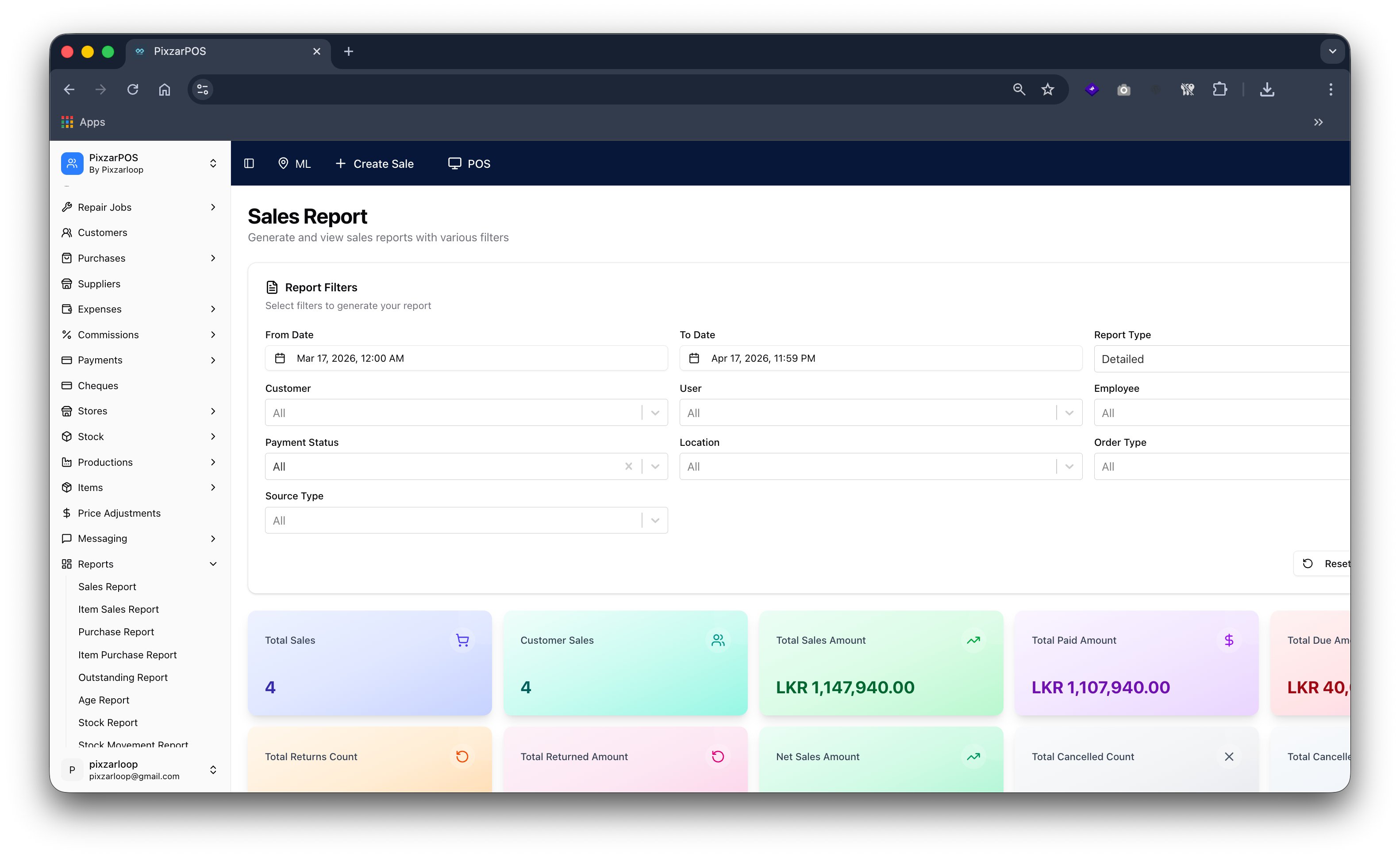
Sales report providing detailed analysis of revenue, performance, and transaction data.
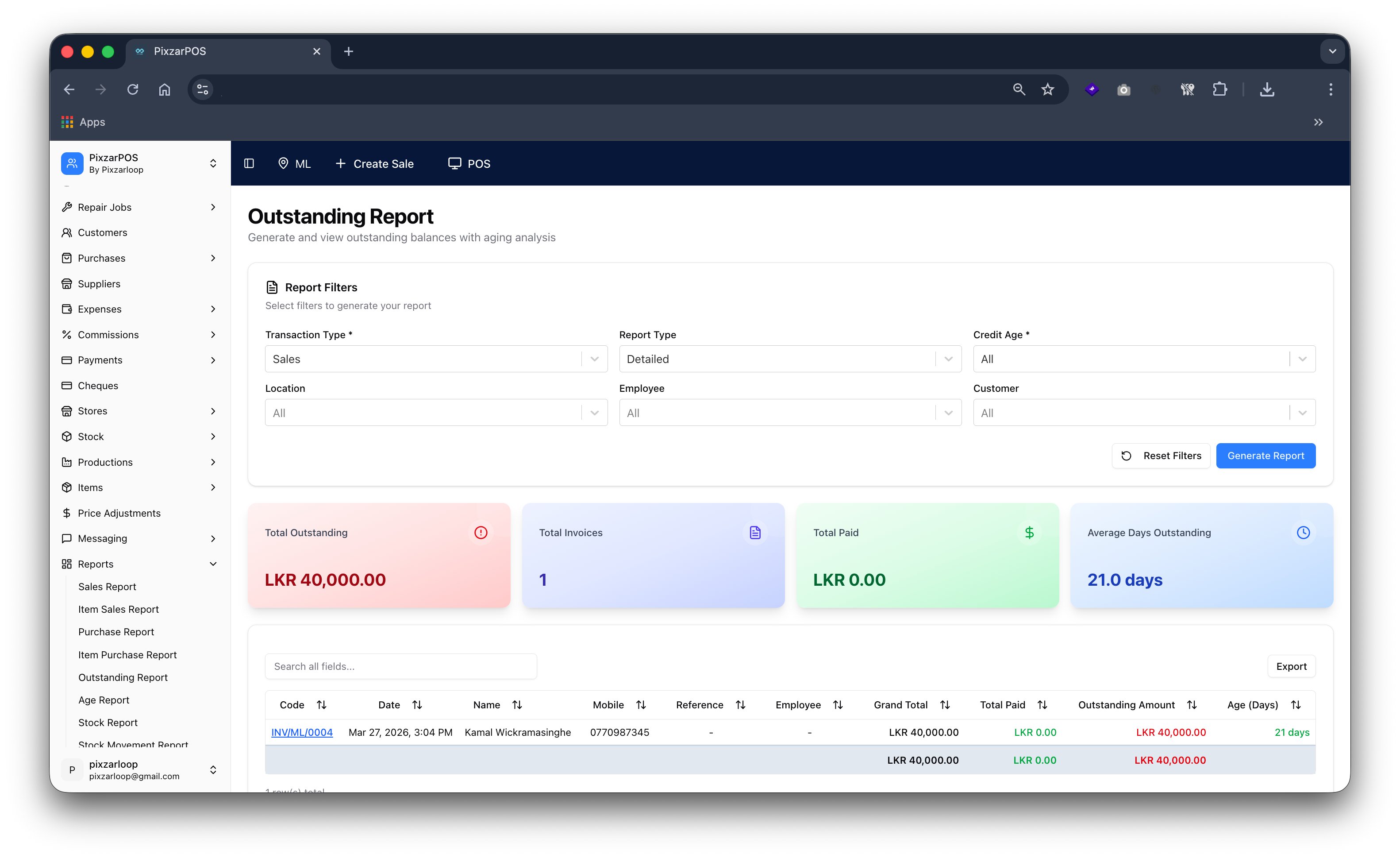
Outstanding report tracking unpaid balances, receivables, and pending payments.
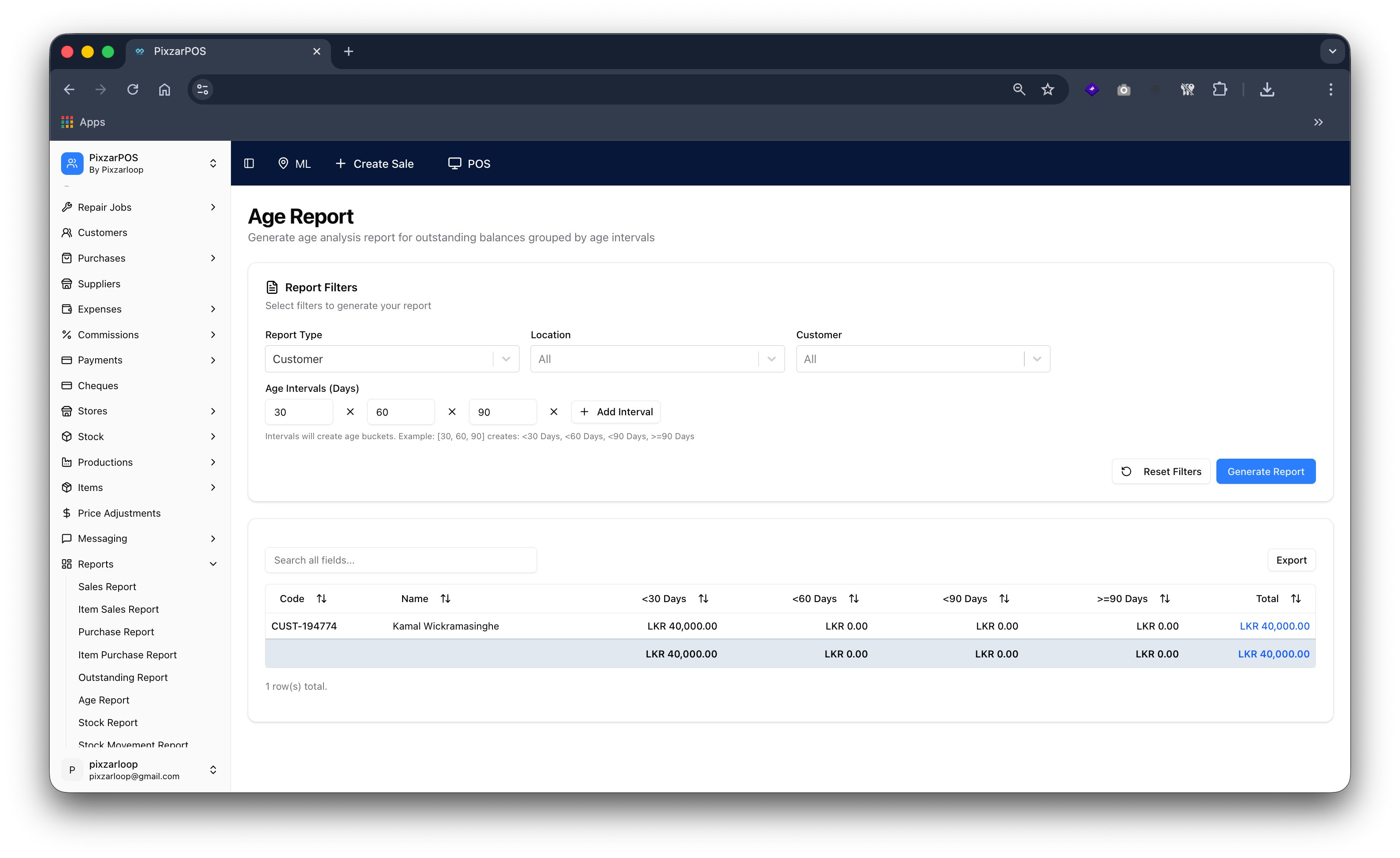
Age report analyzing receivables and payables based on due time periods.
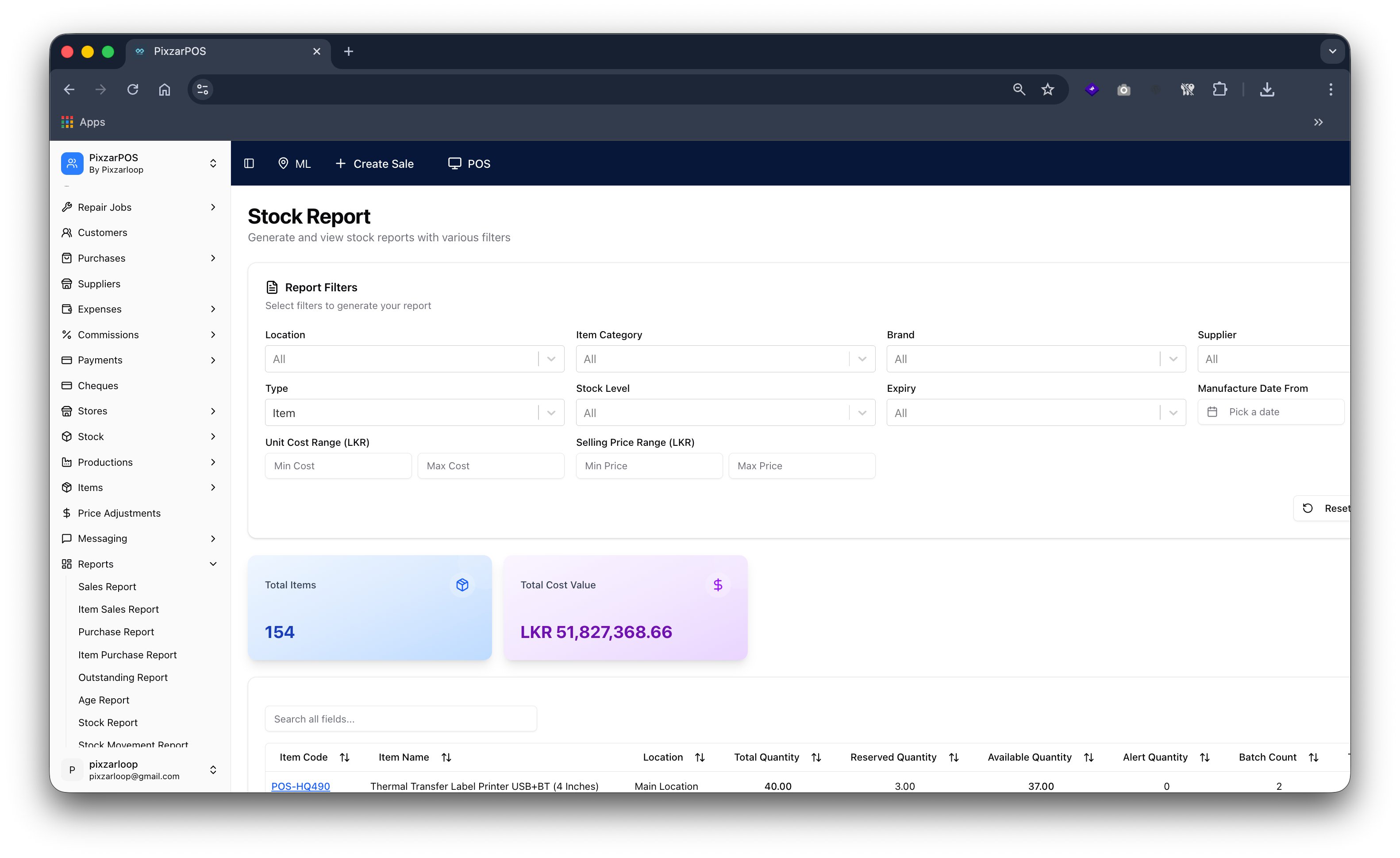
Stock report providing detailed inventory levels, valuation, and stock movement analysis.
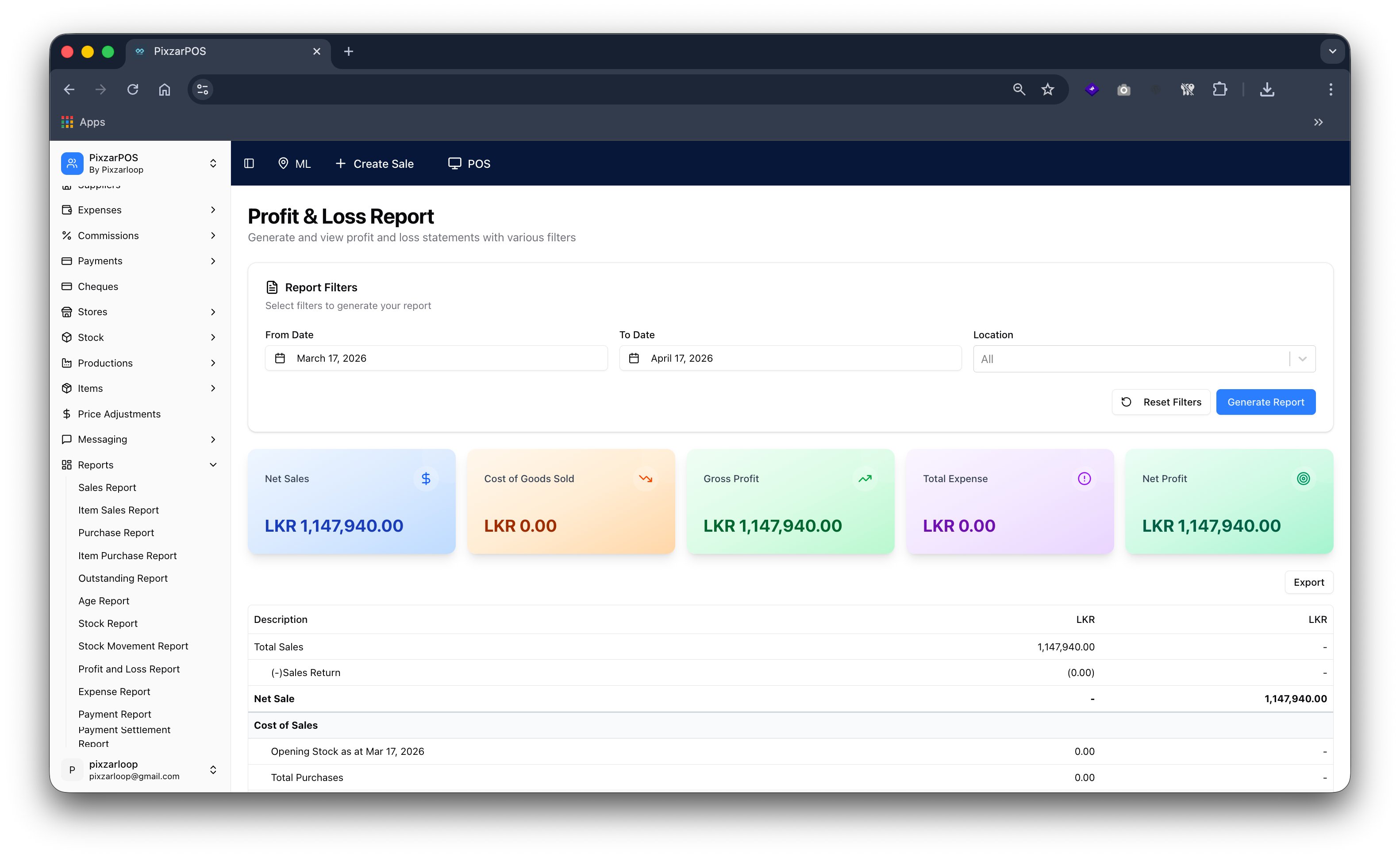
Profit & loss report summarizing income, expenses, and net financial performance.
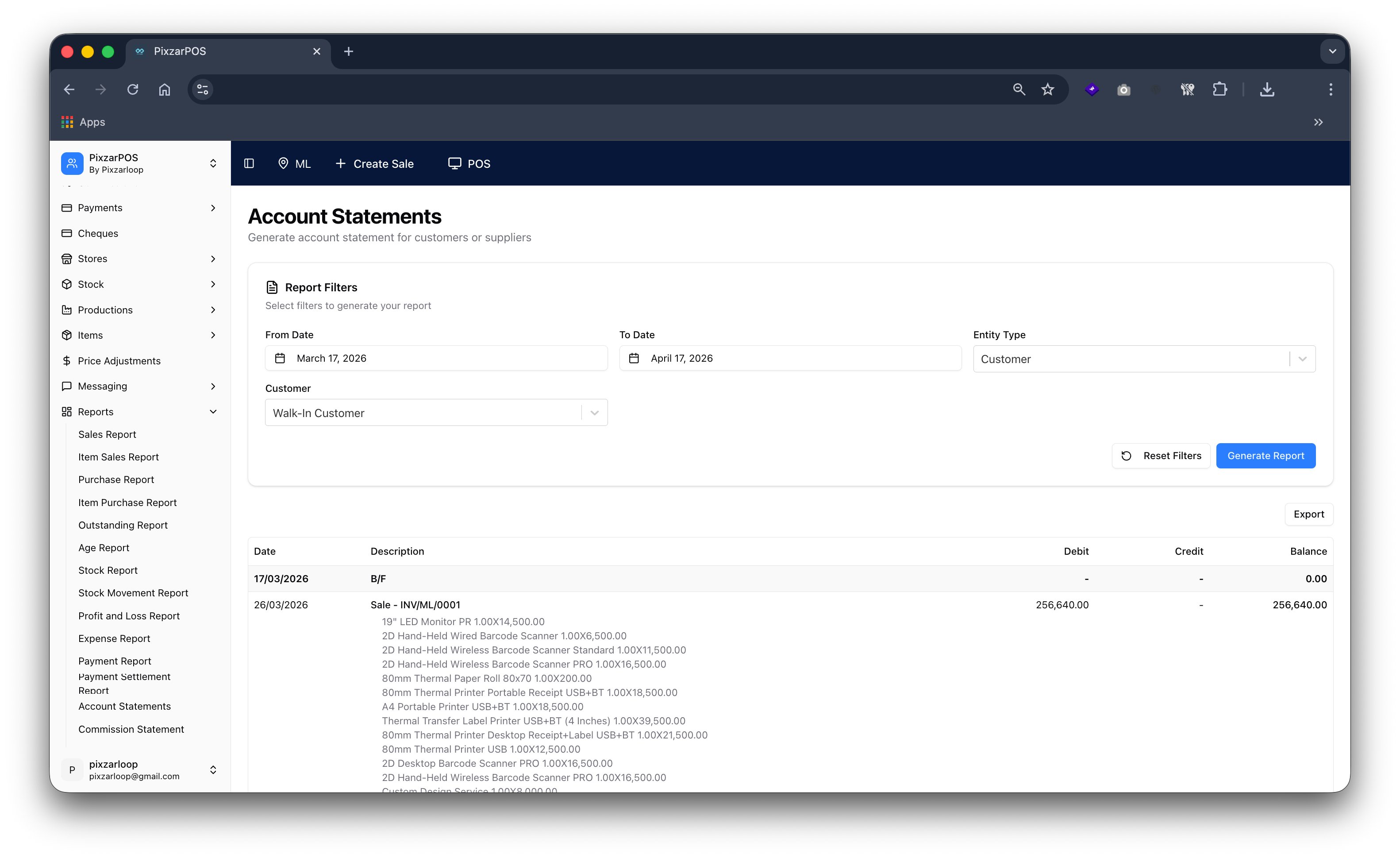
Account statements showing detailed transaction history, balances, and financial summaries.
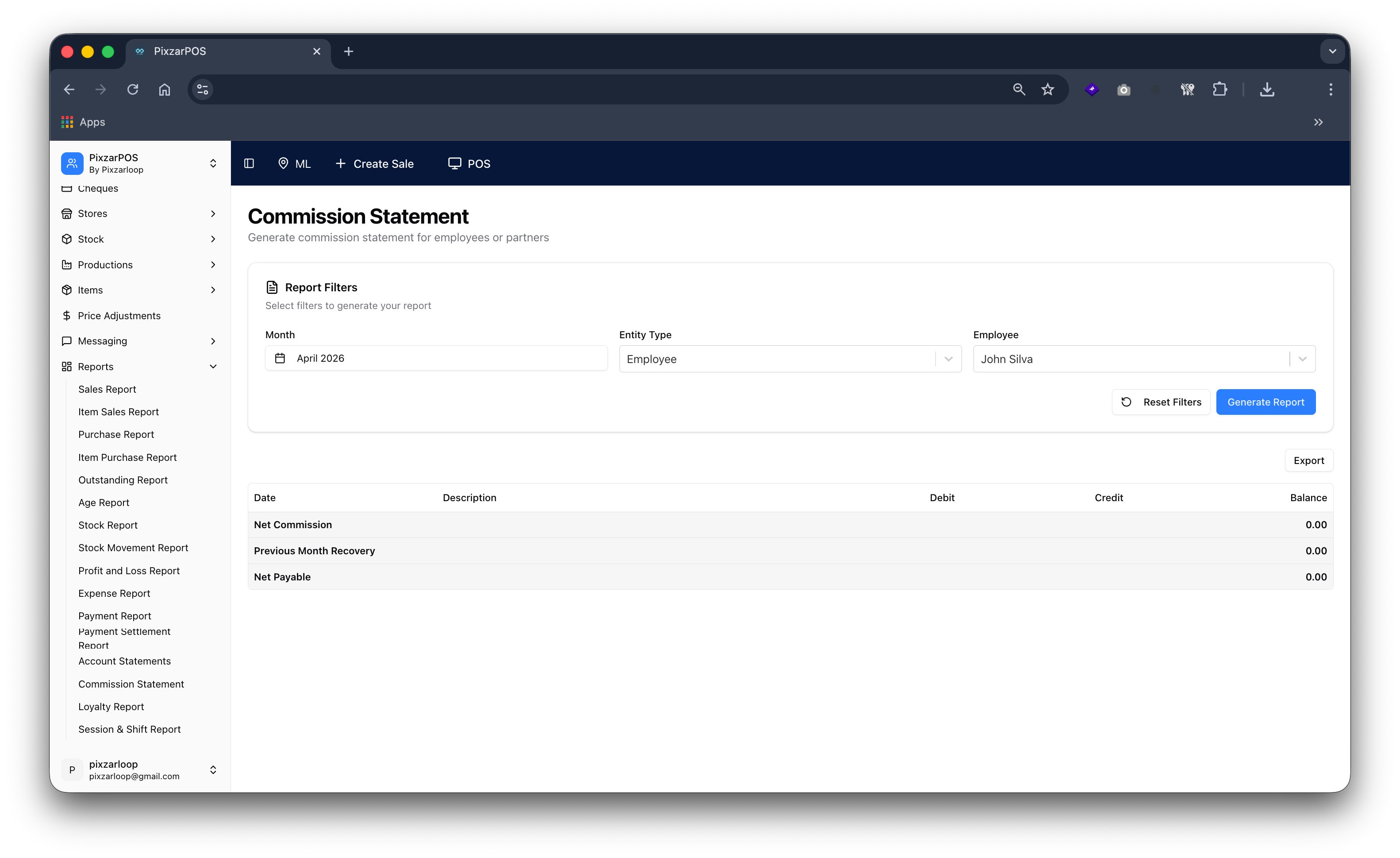
Commission statement detailing earned commissions, payouts, and performance summaries.
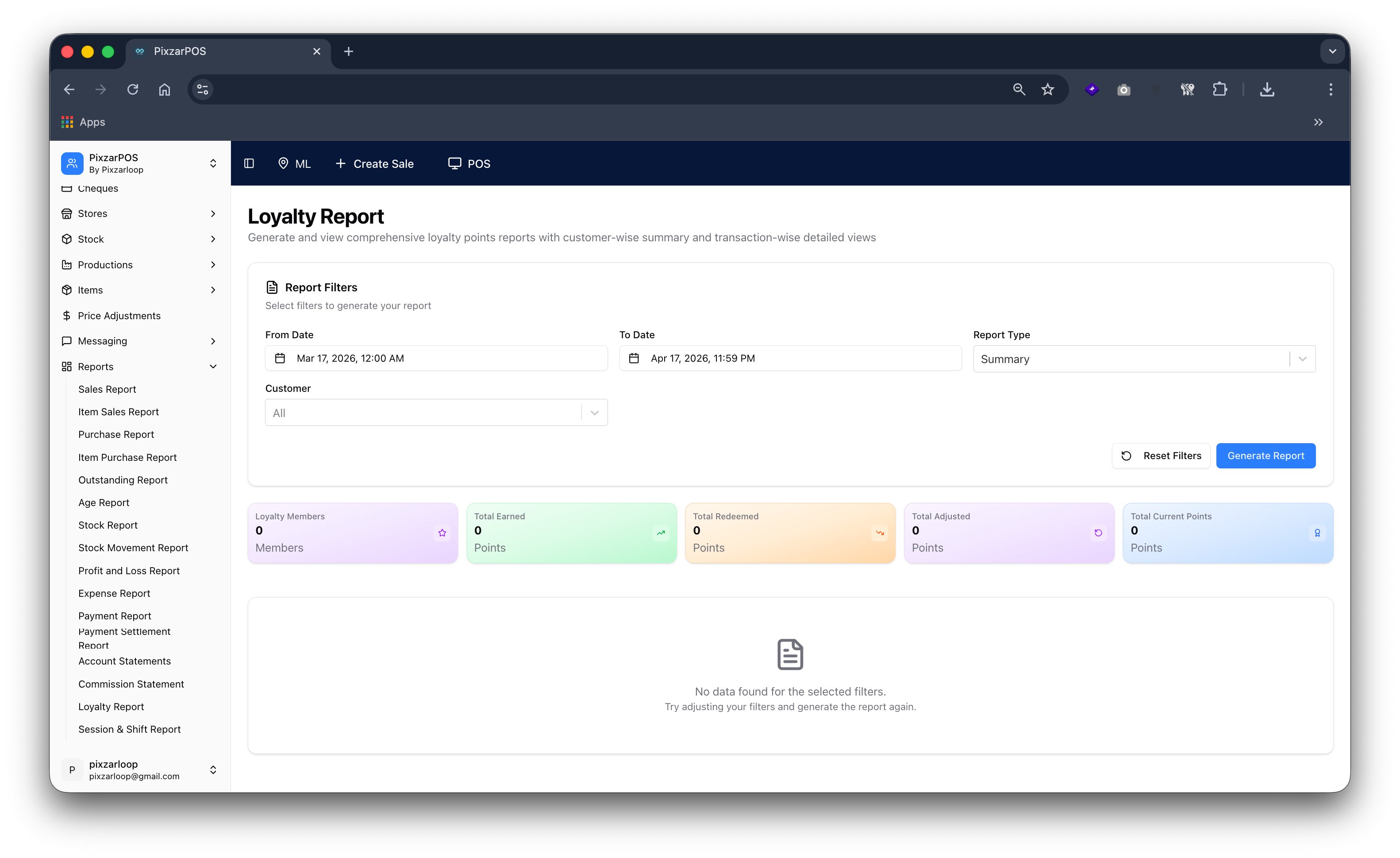
Loyalty report tracking customer rewards, points, and redemption activities.
Session & shift report tracking operator activity, cash flow, and shift summaries
Book a live session and we will guide you through the exact screens for your business type.